
WiFi dead zones, weak upstairs coverage, and unstable connections are some of the most common home networking problems – especially in larger homes or households with lots of connected devices.
When this happens, many people start comparing mesh Wi-Fi systems and traditional routers to see which solution will provide the best coverage and performance.
While both provide wireless internet access, they work very differently. A traditional router broadcasts WiFi from a single location, whereas a mesh Wi-Fi system uses multiple connected nodes to spread coverage more evenly throughout the home.
In this guide, we’ll explain the key differences between mesh Wi-Fi and traditional routers, including coverage, speed, reliability, and which option is best suited to different types of homes and internet usage.
What’s the Difference Between a Mesh Wi-Fi System and a Router?
Both mesh Wi-Fi systems and traditional routers connect your devices to the internet, but they do it in different ways – and that difference can have a big impact on your home’s coverage and reliability.
A router sends out a Wi-Fi signal from one central point. This usually works well in smaller homes or open spaces, but walls and floors can weaken the signal as it travels. That’s often why certain rooms end up with slower speeds or patchy coverage.
A mesh Wi-Fi system uses several smaller units, called nodes, placed around your home to share the signal more evenly. One connects to your modem, while the others extend coverage to every corner. The system automatically links these nodes together, keeping your connection strong as you move between rooms.
Think of it like this:
A router is one bright spotlight shining from the centre.
A mesh system is a group of smaller lamps lighting every area evenly.
Mesh networks are ideal for larger homes, multi-storey layouts, or smart homes with many connected devices. They’re especially helpful if you’ve dealt with dead zones in rooms far from your router.
Routers, meanwhile, are still great for smaller spaces or anyone who likes to keep things simple. They’re often cheaper and easy to set up, making them a solid option if you don’t need full-house coverage. Check out our article on the Best 4G Router With External Antenna if you want more information.
How a Traditional Router Works
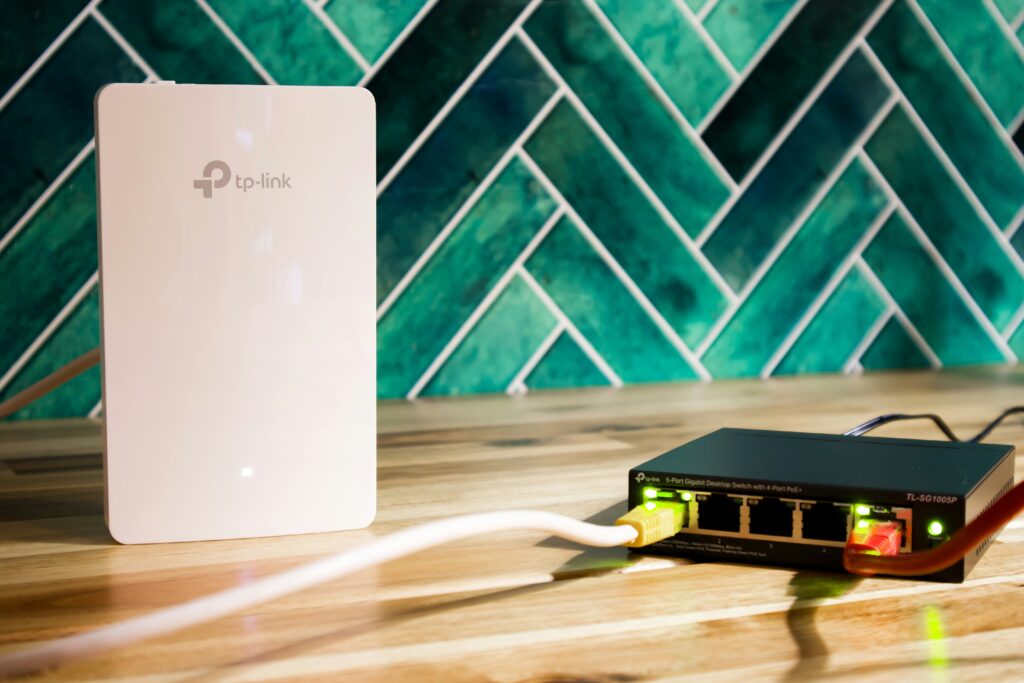
A router acts as the main hub of your home network. It connects to your modem and distributes Wi-Fi to your devices. Most modern routers use dual-band technology, operating on both 2.4GHz and 5GHz frequencies.
The 2.4GHz band travels farther and penetrates walls more effectively, while the 5GHz band offers higher speeds at shorter distances. Many newer routers also support Wi-Fi 6, which increases performance, reduces interference, and supports more devices at once.
If you are comparing upgrade options, our Best WiFi 6 Routers guide covers some of the best routers for gaming, streaming, smart homes, larger properties, and reliability-focused home networks.
Routers are reliable and easy to set up, but coverage can drop off in larger or multi-floor homes. Walls, floors, and furniture can weaken the signal, creating dead zones in certain areas.
You can extend coverage with range extenders or external antennas, though these often create separate networks. A mesh Wi-Fi system avoids that issue entirely by creating a single, unified connection.
If you’re interested in their annual running cost, you may want to take a look at our guide on Router Power Consumption.
How a Mesh Wi-Fi System Works
A mesh Wi-Fi system improves wireless coverage by using multiple connected nodes placed around your home instead of relying on a single router.
One node connects directly to your modem, while the additional nodes communicate with each other to spread coverage more evenly throughout the property. Together, they create one seamless wireless network, allowing devices to move between rooms automatically without disconnecting or switching networks manually.
Mesh systems are particularly effective in larger homes, multi-storey properties, and households with many connected devices. They can also help reduce dead zones and improve connection stability for activities like streaming, gaming, and video calls.
Many modern systems – including TP-Link Deco, Eero, and Google Nest Wi-Fi – also include smartphone apps that simplify setup, device management, and network monitoring .If you’re ready to upgrade, our guide to the Best Mesh WiFi Systems compares some of the strongest options for different home sizes and budgets.
However, mesh Wi-Fi is not always necessary for smaller homes or isolated weak signal areas. In some cases, a traditional WiFi extender may still be the more cost-effective solution. If you’re comparing the two, check out our guide on Mesh WiFi vs WiFi Extender: Which Is Better for Your Home?.

Key Differences: Mesh Wi-Fi vs Routers
Routers focus on direct performance and control, while mesh systems focus on convenience and consistent coverage. The best choice depends on the size of your home and how many devices you’re connecting.
Here’s a side-by-side look at how routers and mesh systems compare:
| ⚙️ Feature | 🌐 Traditional Router | 📡 Mesh Wi-Fi System |
|---|---|---|
| Coverage | Strong near the router, weaker in distant rooms | Even coverage throughout the home |
| Speed | Faster close to the router | Slightly lower top speed but more stable overall |
| Setup | Simple and quick | App-based setup, slightly longer |
| Management | Manual web-based settings | Smartphone app with automated features |
| Cost | Lower upfront cost | More expensive due to multiple nodes |
Price Comparison
The price difference between traditional routers and mesh Wi-Fi systems mainly comes down to coverage area, convenience, and scalability. Mesh systems include multiple access points that work together to cover your entire home, while routers rely on a single broadcast point — so you’re essentially paying for broader, smarter coverage.
Standard Routers: £50–£200
Routers in this range are ideal for small to medium-sized homes with fewer connected devices. A mid-range or Wi-Fi 6 router can handle everyday needs such as streaming, online gaming, and video calls with ease. They also tend to offer more manual configuration options, appealing to users who like fine-tuning their settings.
Mesh Wi-Fi Systems: £150–£400+
Mesh Wi-Fi systems are typically aimed at larger homes, multi-storey layouts, or households with many smart devices. While the upfront cost is higher, you get smoother performance across every room and avoid the hassle of using Wi-Fi extenders or boosters. Over time, this can mean fewer dropouts, less frustration, and better reliability — making them a stronger long-term investment.
If you live in a smaller apartment or single-floor home, a good-quality Wi-Fi 6 router still offers excellent performance at a lower cost. But if your home has thick walls, multiple floors, or rooms that never get a strong signal, a mesh Wi-Fi system is usually worth the extra spend for its consistency and simplicity.
Which Should You Choose?
Choosing between a mesh Wi-Fi system and a traditional router largely depends on your home layout, the number of connected devices, and how you use the internet day to day. There’s no one-size-fits-all solution — but understanding where each option shines makes it easier to decide.
If you live in a smaller home or apartment, a good standalone router is often all you need. It’s affordable, simple to set up, and delivers fast speeds when most of your devices are close to the source. Routers are also ideal if you prefer fine-tuning settings like parental controls, guest networks, or bandwidth limits.
🖥️ Choose a Router if:
You live in a small or single-floor home.
You prefer manual control and don’t mind adjusting settings.
You want high speeds near the source for activities like gaming or streaming.
You’re on a tighter budget.
For larger properties or multi-storey layouts, a mesh Wi-Fi system makes a big difference. It eliminates dead zones, maintains consistent speeds in every room, and works especially well for smart homes where multiple devices connect at once. Mesh systems are designed to be user-friendly too, with app-based controls and automatic updates that keep things running smoothly.
🌐 Choose a Mesh Wi-Fi System if:
You live in a large or multi-storey property.
You want seamless Wi-Fi without dead zones.
You have multiple smart devices across your home.
You want an easy setup managed by an app.
Final Thoughts
Both mesh Wi-Fi systems and traditional routers have their strengths — and the best option really depends on your home and how you use your network. A good router can easily handle smaller spaces or single-floor homes, especially if you’re upgrading to a modern Wi-Fi 6 model. But for larger homes, multi-storey layouts, or households filled with smart devices, a mesh Wi-Fi system offers much more consistent coverage and fewer dead zones.
Ultimately, it comes down to what matters most: control or convenience. Tech-savvy users may prefer the hands-on customisation of a router, while most everyday users will appreciate the simplicity and seamless performance of a mesh setup.
If you’d like to explore how to make your home network faster, stronger, and more secure overall, take a look at our full Home Networking Guide.
FAQs
Mesh Wi-Fi systems are often better for larger homes because they eliminate dead zones by using multiple access points that share the same network. This creates a seamless, stable connection as you move between rooms. Traditional routers, while cheaper, can struggle with distance or interference. For small apartments or single-floor homes, however, a high-quality Wi-Fi 6 router still offers excellent performance and faster top speeds at a lower cost.
In smaller spaces, a mesh Wi-Fi system might be overkill. A modern dual-band or Wi-Fi 6 router can easily cover most single-floor homes or apartments while providing excellent speed for streaming, gaming, and smart devices. Mesh systems are best suited for larger properties, but if you plan to expand your network or add more smart devices in the future, investing in mesh could still be worthwhile.
If you live in a large house, have multiple floors, or experience weak signals in certain rooms, a mesh Wi-Fi system is usually the most effective solution. It ensures even coverage across your entire property, including outbuildings or garden areas.
Thank you for reading our guide to mesh wi-fi versus routers for home networking.
If you want more information, check out our other articles on Networking and Connectivity.
Feel free to leave a comment below if you have any thoughts or queries that you’d like us to take a look at – we’d be happy to help.