A good home network is not just about having fast broadband. The layout of your home, the number of connected devices, router placement, wired connections, and backup reliability all affect how stable your internet feels in daily use.
Many households focus only on download speed, but coverage, latency, congestion, and reliability are often the bigger limitations. A poorly planned setup can still struggle with gaming, streaming, remote work, smart-home devices, or video calls even with fast broadband.
The best home network setups are usually built around how the home is actually used. A small flat has very different networking needs compared to a large multi-storey house, a smart home, or a remote work setup with multiple wired devices.
This guide explains how to choose the right networking setup for your home, including when to use Ethernet, mesh WiFi, powerline adapters, switches, and backup internet solutions. If your main issue is weak wireless coverage, our guide on How to Improve WiFi Signal at Home explains the most common causes of poor WiFi performance before upgrading your hardware.
Start By Thinking About Coverage, Reliability And Device Load
The best networking setup depends less on raw broadband speed and more on how devices are spread throughout the home.
In smaller homes or flats with relatively few connected devices, a modern router placed centrally may already provide stable enough coverage for general browsing, streaming, and smart devices. In larger homes, however, coverage often becomes inconsistent once signals need to pass through multiple walls or floors.
Reliability requirements also vary heavily between households. Casual browsing and streaming are usually far more forgiving than competitive gaming, remote work, large file transfers, or smart-home systems that depend on a stable connection throughout the day.
It is also important to think about how your network may grow over time. Smart lighting, cameras, TVs, consoles, tablets, laptops, home office equipment, and wireless speakers can all place additional load on a network, particularly in households where many devices stay connected constantly.
Before upgrading hardware, router placement should always be checked first. A poorly positioned router can create weak coverage even in relatively small homes. Our guide Where Should You Place Your Router for the Best WiFi Signal? explains how placement affects speed and reliability in more detail.
Choose A Home Network Setup That Fits How You Use The Internet
The best home network setup depends less on broadband speed and more on how your home actually uses the internet day to day.
A small flat used mainly for streaming and browsing often needs very different hardware compared to a larger smart home with gaming systems, office equipment, security devices, and dozens of connected devices spread across multiple floors.
In many homes, improving reliability is more about choosing the right network structure than simply buying the most expensive router available. Some setups benefit most from stronger WiFi coverage, while others rely more heavily on Ethernet connections, mesh networking, or backup reliability.
If you are upgrading older networking hardware, our Best WiFi 6 Routers UK guide compares some of the best options for gaming, streaming, smart homes, large properties, and reliability-focused setups.
| 🏠 Home Type | 📶 Recommended Setup | 🎯 Best For | ⭐ Priority Upgrade |
|---|---|---|---|
| Small Flat | Modern WiFi router | Streaming, browsing, smart devices | Better router placement |
| Gaming Setup | Router + Ethernet | Gaming PCs and consoles | Wired low-latency connections |
| Remote Work Setup | Router + Ethernet + UPS backup | Video calls and office work | Connection reliability |
| Large Multi-Floor Home | Mesh WiFi system | Whole-home wireless coverage | Coverage consistency |
| Smart Home | Mesh + wired core devices | Large numbers of connected devices | Network stability under load |
| Reliability-Focused Setup | Router + backup internet + UPS | Outage resilience | Maintaining uptime |
Decide Which Devices Should Be Wired
One of the biggest mistakes in home networking is relying entirely on WiFi for every device.
Wireless networking is flexible and convenient, but Ethernet connections are still normally the better option for devices that need maximum stability. Gaming PCs, consoles, streaming boxes, NAS storage systems, and desktop workstations often perform more consistently when connected by cable rather than WiFi.
This does not mean every device needs Ethernet. In most homes, the best approach is usually a mixed setup where fixed high-priority devices use wired connections while phones, tablets, smart speakers, and portable devices remain on WiFi.
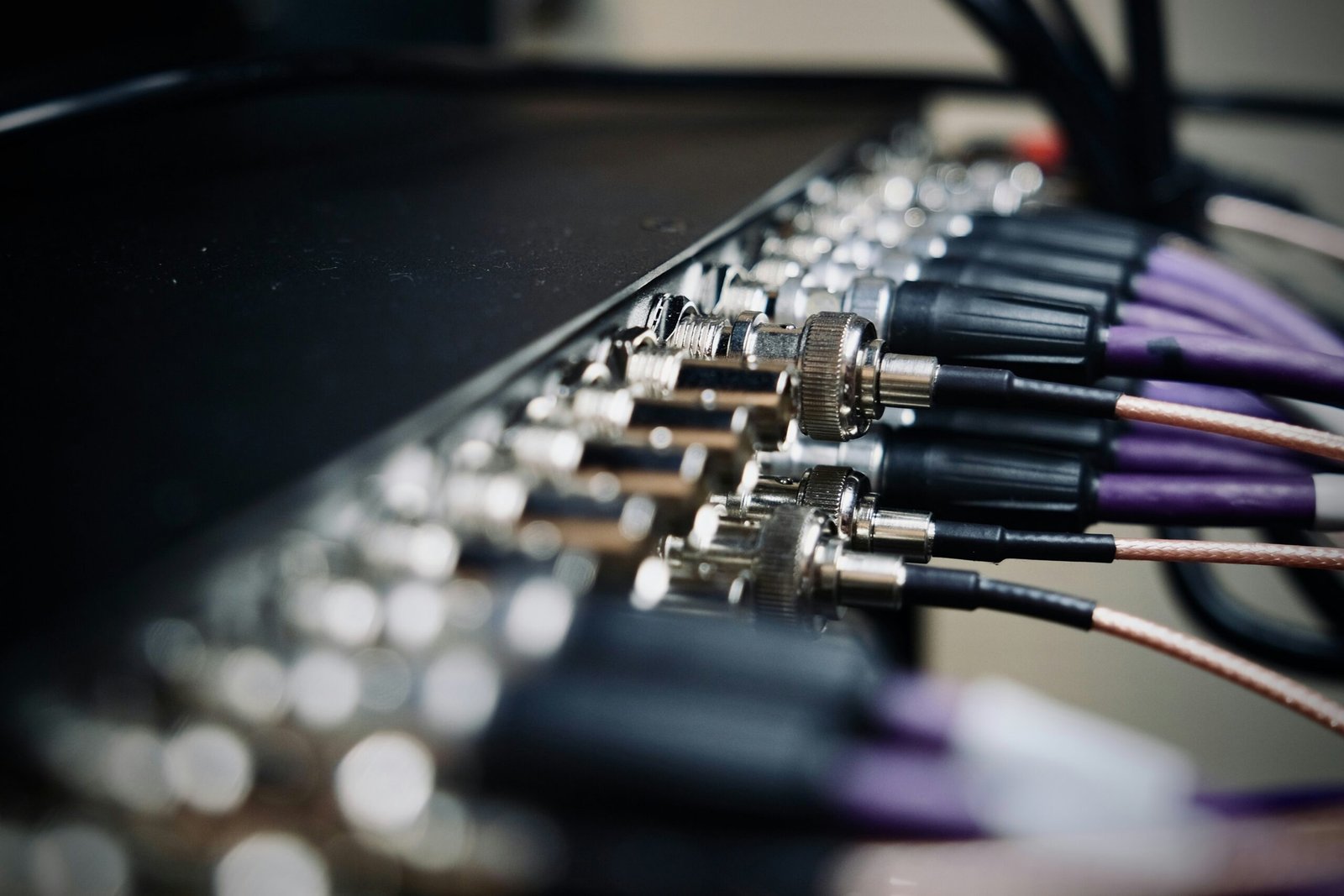
Running Ethernet cables directly through the home is usually the best long-term option for performance. If your router doesn’t have enough Ethernet ports, adding a network switch is an easy way to connect more wired devices without sacrificing performance. Our guide to the Best Network Switches for Home Networks compares some of the top options for different home setups. However, where cabling is difficult, powerline adapters can sometimes provide a practical alternative by using your home’s electrical wiring to transfer network data between rooms.
If you are improving a gaming or office setup, our Best Ethernet Cable For Gaming UK guide explains the main cable types and what matters for stable high-speed wired networking.
When Mesh WiFi, Powerline Or Ethernet Makes The Biggest Difference
Different networking solutions solve different problems, which is why upgrading blindly often leads to disappointing results.
Mesh WiFi Systems
Mesh WiFi is usually the best option when the main issue is wireless coverage across a larger property. Multi-storey homes, thick walls, loft conversions, garden offices, and smart-home setups often benefit from multiple wireless nodes spread around the home rather than relying on one router.
A mesh system improves coverage consistency and usually creates smoother roaming between rooms than a traditional single-router setup. However, it is not always necessary in smaller homes where a good router placed correctly may already provide strong enough coverage.
If you are deciding whether a mesh system is worth upgrading to, our Mesh WiFi vs Routers guide explains when mesh networking offers a real advantage over standard router setups. If you are already considering upgrading, our Best Mesh WiFi Systems for Home guide compares suitable systems for different property sizes and usage needs.
Ethernet Connections
Ethernet is usually the better solution when stability and low latency matter more than convenience. Gaming setups, workstations, NAS storage, and streaming devices often perform far more consistently when connected directly by cable rather than wireless networking.
For households with remote work, gaming, or large file transfers, adding a few wired connections can sometimes improve reliability more than upgrading WiFi hardware alone.
Powerline Adapters
Powerline adapters sit somewhere between Ethernet and WiFi. They are often useful in homes where running Ethernet cables is difficult but a more stable connection is still needed for a specific room or device.
Performance depends heavily on the property’s electrical wiring, so results vary between homes. In some setups, powerline adapters work extremely well for gaming consoles, office PCs, or streaming devices located far from the router.
Our Best Powerline Adapter For Gaming guide explains where powerline networking works best and where Ethernet or mesh systems are usually the stronger option.
Build Your Network Around Reliability, Not Just Speed
A fast broadband package does not automatically create a reliable home network.
In many homes, instability comes from overloaded WiFi, poor router placement, weak coverage upstairs, interference from neighbouring networks, or too many devices competing for bandwidth at once. This is why practical setup decisions usually matter more than chasing the highest advertised speeds.
Modern home networks also increasingly support more than entertainment alone. Video calls, smart-home devices, cloud storage, security systems, streaming, gaming, and remote work all place different demands on the network throughout the day.
For households that rely heavily on internet access, reliability during outages is becoming more important as well. Small UPS battery backups can keep routers and mesh systems running during short power cuts, while 4G or 5G backup internet can provide temporary connectivity if the main broadband connection fails.
This type of layered setup is becoming increasingly common in remote work and smart-home environments because it improves resilience rather than simply increasing speed. If you are comparing different networking approaches for reliability and coverage, our Mesh WiFi vs Routers guide explains how different setups perform in real-world home environments.
Final Thoughts
The best home network setup is usually the one that matches how your home is actually used rather than the most expensive hardware available.
For some households, a properly positioned modern router is enough to provide stable coverage across the property. Others benefit far more from adding Ethernet connections, mesh WiFi coverage, powerline adapters, or backup internet systems depending on the layout of the home and the number of connected devices.
Modern home networking is also becoming increasingly tied to reliability rather than just speed. Remote work, smart devices, cloud services, streaming, and online gaming all place greater importance on stable coverage and uptime throughout the home.
In most cases, improving a home network works best when approached as a practical system rather than a single upgrade. Focusing on coverage, device priorities, reliability, and future expansion will usually create a much better long-term setup than simply replacing the router alone.
available.
FAQs
Larger homes usually benefit from a mesh WiFi system combined with Ethernet connections for important fixed devices such as gaming PCs, office equipment, or streaming setups. Multi-storey properties often struggle with coverage from a single router alone.
A gaming-focused setup normally works best with Ethernet connections for consoles or gaming PCs, while WiFi handles phones, tablets, and general household devices. This helps reduce latency and improves connection stability during online gaming.
The most reliable setups normally combine several approaches together, such as a centrally placed router or mesh system, wired Ethernet connections for important devices, and backup power for networking equipment during outages.
Thank you for reading our guide on how to setup home networks.
Feel free to leave a comment below if you have any thoughts or queries that you’d like us to take a look at – we’d be happy to help.