If you struggle with weak WiFi signals in parts of your home, you’ve probably come across both mesh WiFi systems and WiFi extenders. While both solutions are designed to improve wireless coverage, they work in very different ways and are suited to different types of homes and internet usage.
A WiFi extender works by rebroadcasting the signal from your existing router to increase coverage in weaker areas. Mesh WiFi systems, on the other hand, use multiple connected nodes to create a single seamless wireless network across your home.
In smaller homes with only one weak spot, a WiFi extender can often be the cheaper and simpler solution. However, larger homes, busy households, and users with multiple connected devices will often benefit more from a dedicated mesh WiFi system.
In this guide, we’ll compare mesh WiFi and WiFi extenders in more detail, including coverage, speed, reliability, roaming performance, setup complexity, and overall value.
What Is A WiFi Extender?
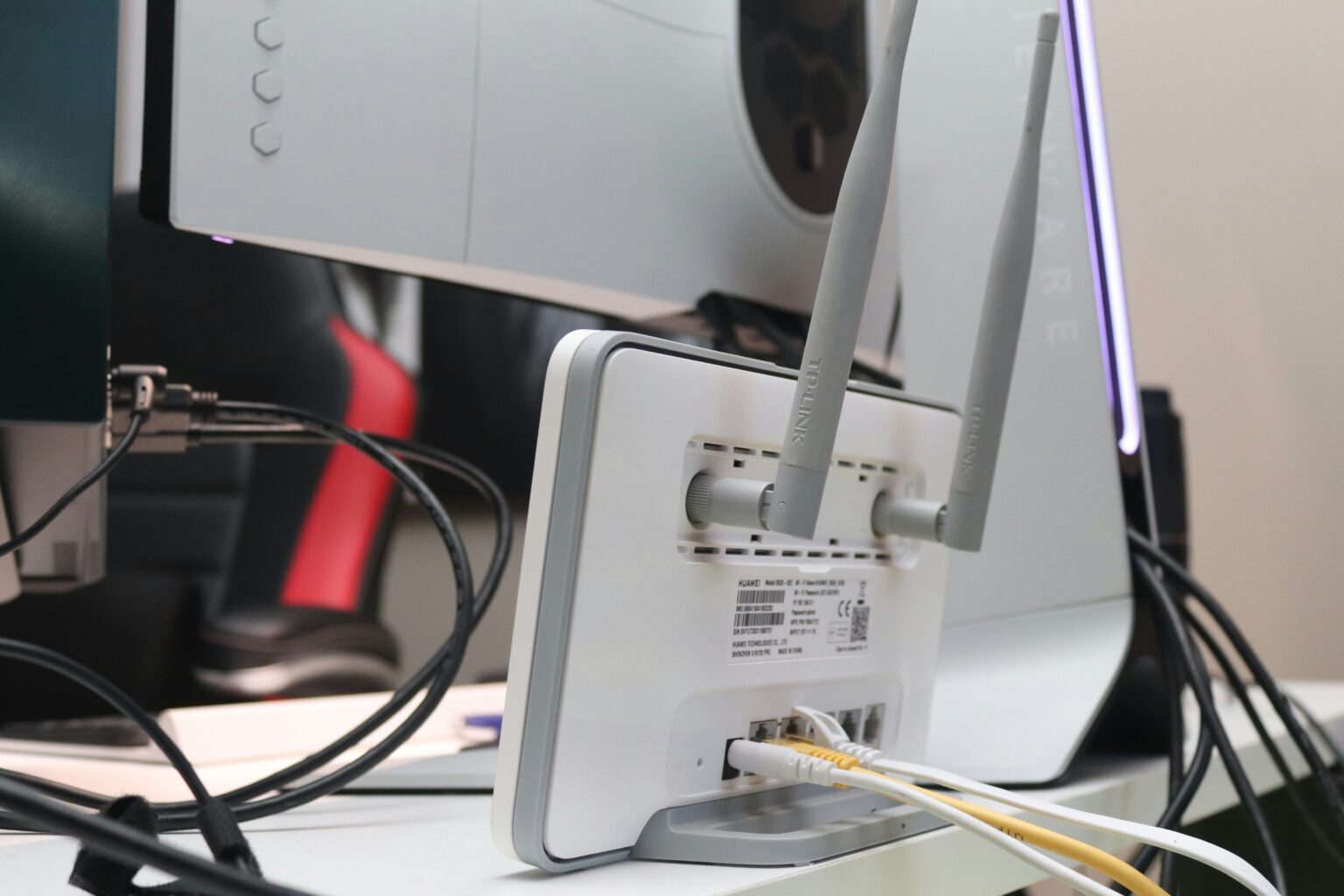
A WiFi extender (sometimes called a WiFi booster or repeater) is a device that extends the signal range of your existing wireless router. It works by connecting to your main router and rebroadcasting the signal into areas where the connection would otherwise be weak.
This can be useful in homes where the router signal struggles to reach certain rooms due to thick walls, multiple floors, or long distances from the router itself. Before upgrading your network hardware, it’s also worth checking out our guide on Where Should You Place Your Router for the Best WiFi Signal?, as router placement alone can dramatically improve wireless coverage.
Most WiFi extenders are relatively inexpensive and easy to install. In many cases, setup simply involves plugging the extender into a wall socket somewhere between your router and the weak signal area.
However, there are some limitations. Traditional extenders often create a separate WiFi network name (SSID), meaning your devices may disconnect and reconnect as you move through the house. Extenders can also reduce overall speeds because the device is both receiving and rebroadcasting wireless data simultaneously.
Despite these downsides, WiFi extenders remain a practical solution for smaller homes or situations where only one room suffers from poor wireless coverage. If you’re trying to solve weak WiFi areas without replacing your entire setup, you may also find our guide on How to Improve WiFi Signal at Home useful.
What Is Mesh WiFi?
Mesh WiFi systems take a different approach to improving wireless coverage. Instead of rebroadcasting a single router signal, a mesh system uses multiple nodes that work together to create one unified wireless network throughout the home.
A typical mesh setup includes a main router node connected to your modem alongside additional satellite nodes placed around the house. These nodes communicate with one another intelligently to provide stronger and more consistent coverage across larger areas.
One of the biggest advantages of mesh WiFi is seamless roaming. Unlike many traditional extenders, mesh systems use a single network name, allowing your phone, laptop, or smart devices to move between nodes automatically without disconnecting.
Mesh WiFi systems are also generally better at handling multiple connected devices simultaneously. This makes them particularly useful for smart homes, gaming setups, 4K streaming, video calls, and households where many devices are online at once.
Many modern systems also support Ethernet backhaul connections, allowing nodes to communicate through wired networking rather than wireless signals for even greater stability.
The main downside is cost. Mesh WiFi systems are significantly more expensive than basic WiFi extenders, especially if you need several nodes to cover a larger property. If you’re considering upgrading, our Best Mesh WiFi Systems for Home guide compares some of the strongest options currently available.
📶 Mesh WiFi vs WiFi Extender – Key Differences
Mesh WiFi systems and WiFi extenders improve wireless coverage in different ways. The table below highlights the most important differences in coverage, speed, roaming, reliability, and ideal usage scenarios.
| 📶 Feature | 🔁 WiFi Extender | 🕸️ Mesh WiFi System |
|---|---|---|
| 🏡 Coverage Style | Rebroadcasts existing router signal | Creates unified whole-home network |
| 📡 Network Name | Often separate SSID | Single seamless SSID |
| 🚶 Device Roaming | Can disconnect between zones | Automatic seamless roaming |
| ⚡ Speed Consistency | Can reduce speeds significantly | Generally more stable performance |
| 🏠 Best Home Size | Small to medium homes | Medium to very large homes |
| 🎮 Multiple Device Handling | More limited | Better for busy smart homes |
| 💷 Cost | Lower upfront cost | Higher upfront investment |
| 🛠️ Setup Complexity | Usually simple | Slightly more advanced |
| 📱 App Features | Often limited | Advanced controls & monitoring |
| 🌐 Overall Reliability | Good for isolated weak spots | Better for full-home coverage |
Which Is Better For Speed?
In most cases, mesh WiFi systems provide faster and more consistent speeds than traditional WiFi extenders.
A major reason for this is how extenders handle wireless traffic. Many standard extenders communicate with both your router and your devices over the same wireless band, which can reduce available bandwidth and slow down overall performance.
Mesh systems are generally more advanced. Many use dedicated wireless backhaul channels or even Ethernet backhaul connections between nodes, helping preserve speed across the network. This is especially useful in larger homes or households with lots of connected devices streaming, gaming, or downloading simultaneously.
However, that doesn’t automatically mean everyone needs mesh WiFi. If you only need to improve signal strength in a single room, a good extender may still provide perfectly acceptable speeds at a much lower cost.
If you want maximum network stability for gaming or large file transfers, wired networking is still the best option. Our Best Ethernet Cable For Gaming guide explains more about improving wired home networking performance.
Which Is Better For Coverage?
Mesh WiFi systems are usually the better option for overall home coverage, especially in larger properties or homes with multiple floors.
Unlike extenders, which simply rebroadcast your router’s signal, mesh systems create a unified wireless network using multiple nodes placed around the house. This helps eliminate dead zones while maintaining stronger signal quality throughout the property.
WiFi extenders can still work very well in smaller homes or flats where only one area suffers from weak signal. They’re often quicker and cheaper to install, making them a practical solution for isolated coverage problems.
The positioning of your router also plays a major role in wireless coverage regardless of which system you use. Before upgrading your hardware, it’s worth reading our guide on Where Should You Place Your Router for the Best WiFi Signal?.
If you’re still struggling with poor wireless coverage after repositioning your router, our How to Improve WiFi Signal at Home guide covers several additional fixes that can improve signal strength and reliability.
Which Is Better For Gaming And Streaming?
For gaming, 4K streaming, and busy smart homes, mesh WiFi is generally the stronger long-term solution.
Online gaming and video streaming both rely heavily on stable connections. Weak WiFi coverage or inconsistent roaming between networks can increase buffering, lag spikes, and connection drops, especially in larger homes.
Mesh systems are designed to provide smoother roaming and more stable connectivity throughout the home, which is particularly useful if several people are streaming content or gaming simultaneously.
Many newer mesh systems also support WiFi 6 or WiFi 6E, allowing them to handle larger numbers of connected devices more efficiently than older extenders.
That said, smaller homes with a strong primary router signal may still perform perfectly well with a basic extender setup.
If you want the most stable gaming connection possible, wired networking is still the gold standard. Our Best Ethernet Cable For Gaming guide explains more about improving wired network performance for gaming setups.
In situations where running Ethernet cables around the home isn’t practical, powerline adapters can also help provide more stable gaming connections. Our Best Powerline Adapter For Gaming guide explains this option in more detail.
Final Thoughts
Both mesh WiFi systems and WiFi extenders can improve wireless coverage, but they’re designed for different situations.
If you only need to fix a weak signal in one room or a small dead zone, a WiFi extender is often the simplest and most affordable solution. They’re easy to install and can work very well in smaller homes or flats where the main router already provides decent overall coverage.
Mesh WiFi systems are generally the better long-term option for larger homes, multi-floor properties, smart homes, and busy households with lots of connected devices. They provide more reliable whole-home coverage, smoother roaming, and stronger overall performance for gaming, streaming, and everyday use.
Ultimately, the best choice depends on the size of your home, the number of devices you use, and how important stable wireless performance is to your day-to-day internet usage.
If you’re considering upgrading your network setup, our Best Mesh WiFi Systems for Home guide compares some of the strongest options currently available.
FAQs
In most cases, yes. Mesh WiFi systems generally provide more consistent speeds because the nodes work together as a unified network. Traditional WiFi extenders can reduce speed since they often rebroadcast data over the same wireless band.
Mesh WiFi is generally better for gaming because it offers more stable coverage and smoother roaming between nodes. However, wired Ethernet connections still provide the lowest latency and most reliable gaming performance overall.
They can. Many WiFi extenders reduce overall bandwidth because they receive and retransmit wireless data simultaneously. However, the real-world impact depends on the extender quality, placement, and your home layout.
Thank you for reading our guide on mesh Wi-Fi vs extenders.
Feel free to leave a comment below if you have any thoughts or queries that you’d like us to take a look at – we’d be happy to help.