A weak WiFi signal can be frustrating. Slow speeds, buffering, and dropped connections are often caused by poor signal strength rather than your internet plan itself.
In many homes, WiFi issues are not caused by the provider but by factors inside the property. Router placement, building materials, interference from other devices, and even the size and layout of your home can all impact performance.
In this guide, we’ll cover the most effective ways to improve your WiFi signal at home, from simple adjustments like repositioning your router to more advanced solutions such as mesh systems and hardware upgrades. If you’re looking for a broader overview of how home networks work, take a look at our Ultimate Home Networking Guide.
The good news is that most WiFi problems can be improved without changing your broadband provider, and small changes can often make a noticeable difference.
Why Your WiFi Signal Is Weak
Before making changes, it helps to understand what is causing the issue. WiFi signals weaken as they travel, and certain obstacles or conditions can reduce their strength even further.
Distance from the router is one of the most common causes. The further away you are, the weaker the signal becomes, particularly in larger homes or multi-storey properties.
Physical obstructions also play a major role. Walls, floors, and furniture can all block or absorb WiFi signals. Some materials are more problematic than others, particularly solid brick, concrete, and metal.
Interference from other devices can also affect performance. Common household items such as microwaves, cordless phones, and even neighbouring WiFi networks can disrupt the signal, especially on crowded frequencies.
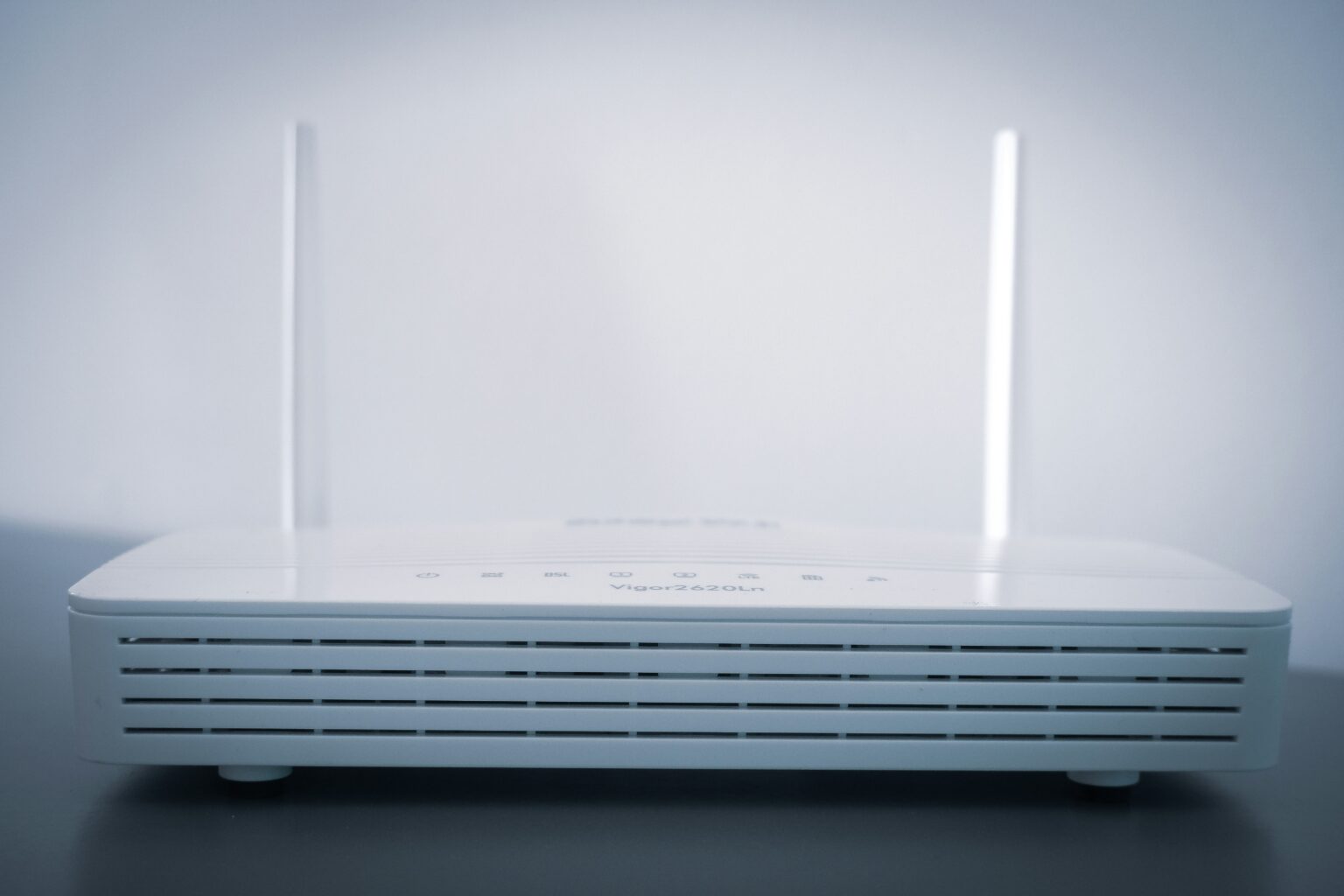
Another factor is the router itself. Older routers or lower-end models may struggle to provide consistent coverage across a full house, particularly if multiple devices are connected at the same time.
Quick Ways to Improve WiFi Signal
If your WiFi is slow or unreliable, there are a few simple changes you can try immediately. These fixes do not require any additional equipment and can often make a noticeable difference.
Start by repositioning your router. Placing it in a central, open location rather than tucked away in a corner can significantly improve coverage across your home. Elevating the router, such as placing it on a shelf, can also help the signal travel more effectively.
Reducing interference is another quick win. Keep your router away from other electronic devices, especially those that operate on similar frequencies. Avoid placing it behind TVs, inside cabinets, or near thick walls where possible.
Restarting your router can also resolve temporary issues. While this sounds simple, it can often fix slow speeds or connection drops caused by minor software or network problems.
Switching between WiFi bands may also help. Many modern routers support both 2.4 GHz and 5 GHz networks. The 2.4 GHz band offers better range, while 5 GHz provides faster speeds at shorter distances.
| ⚠️ WiFi Problem | ✅ Best Fix | 📈 Expected Improvement |
|---|---|---|
| Weak signal in certain rooms | Move router to a central, elevated position | Better coverage across the home |
| Slow speeds near router | Restart router or switch WiFi band (2.4 / 5 GHz) | Improved speed and stability |
| Signal drops through walls/floors | Avoid thick walls or reposition router higher | Stronger signal between rooms |
| Frequent buffering or lag | Reduce interference from nearby devices | More stable connection |
| Poor WiFi upstairs/downstairs | Place router mid-level or use a mesh system | Balanced multi-floor coverage |
| Too many connected devices | Upgrade router or use dual/tri-band network | Better performance under load |
| Weak signal in large homes | Install mesh WiFi instead of extender | Consistent full-home coverage |
Optimising Router Placement (Quick Wins)
Router placement is one of the biggest factors affecting WiFi performance, but it doesn’t need to be complicated.
In most homes, placing your router in a central, open, and slightly elevated position will give the best results. This helps the signal spread evenly and reduces weak spots in different rooms.
It’s also important to avoid common obstacles. Thick walls, large furniture, and appliances can all weaken the signal, especially in larger or multi-storey homes.
If you’re unsure where to position your router for the best results, we’ve covered this in detail in our guide on Where Should You Place Your Router for the Best WiFi Signal?
Reduce Interference in Your Home
Interference is one of the most overlooked causes of weak WiFi signals, especially in busy households or built-up areas. Many everyday devices operate on similar frequencies to your router, which can disrupt signal stability and reduce speeds.
Common sources of interference include microwaves, cordless phones, Bluetooth devices, baby monitors, and neighbouring WiFi networks. These can all compete for bandwidth, particularly on the 2.4 GHz band, which is more crowded but offers longer range.
To minimise interference, keep your router away from other electronics and avoid placing it near large appliances or entertainment units. If your router supports dual-band or tri-band WiFi, switching to the 5 GHz band can often improve performance, as it is typically less congested.
For homes with many connected devices, upgrading to a modern router with better channel management or WiFi 6 support can also help reduce interference-related slowdowns.
When Your Router Is the Limitation
Even with good placement and minimal interference, your WiFi performance is ultimately limited by the capabilities of your router.
Older routers often struggle to handle multiple devices, higher internet speeds, or larger homes. This can result in slow speeds, unstable connections, and poor coverage in certain areas, even if your broadband plan is fast.
If your router is more than a few years old, it may not support newer standards like WiFi 5 or WiFi 6, which offer better speed, efficiency, and device handling. This becomes more noticeable in households with smart devices, streaming, gaming, or remote work.
In these cases, upgrading your router can provide a significant improvement without changing your internet provider. Newer models are designed to deliver stronger signals, better range, and more consistent performance across multiple devices. Our guide to the Best WiFi 6 Routers compares some of the top options for faster, more reliable home networks.
If your WiFi is performing well but you’ve simply run out of Ethernet ports for devices like gaming PCs, smart TVs, NAS drives, or desktop computers, adding a network switch is often a better solution than replacing your router. Our guide to the Best Network Switches for Home Networks compares some of the top options for expanding a wired home network.
When to Use a Mesh WiFi System Instead
Sometimes poor WiFi coverage is not caused by interference or poor router placement — it’s simply the result of trying to cover a larger home with a single router.
This is particularly common in multi-storey houses, properties with thick internal walls, or homes where devices are spread across long distances from the router. In these situations, even a strong standalone router may struggle to provide reliable coverage everywhere.
A mesh WiFi system can help solve this problem by using multiple nodes placed around the home to create a single seamless wireless network. Instead of relying on one router to cover the entire property, mesh systems distribute the signal more evenly across multiple access points. This usually provides stronger whole-home coverage, smoother roaming between rooms, and more stable performance for activities like streaming, gaming, and video calls.
If your home already has Ethernet cabling, a dedicated wireless access point is another option worth considering. Access points typically use a wired connection to provide stable WiFi coverage in areas where your router struggles to reach, making them particularly useful for larger homes and multi-storey properties. Our Best Wireless Access Points UK guide compares five options, from affordable models to high-performance WiFi 7 devices.
However, mesh WiFi is not always necessary. In smaller homes or situations where only one room has poor signal, a traditional WiFi extender may still be the more cost-effective solution.
If you’re deciding between these two upgrade paths, check out our guide on Mesh WiFi vs WiFi Extender: Which Is Better for Your Home?.
You can also learn more about how mesh networking compares to traditional routers in our article on Mesh Wi-Fi vs Routers.
Final Thoughts
Improving your WiFi signal does not always require expensive upgrades or switching providers. In many cases, small changes such as repositioning your router, reducing interference, and choosing the right WiFi band can make a noticeable difference.
The most effective approach is to start with the basics. Ensure your router is placed centrally, elevated, and away from obstructions. From there, look at interference and device load before considering hardware upgrades.
If you still experience weak coverage after optimising your setup, it may be a sign that your equipment is limiting performance. In larger homes or more demanding environments, solutions like mesh WiFi systems or upgraded routers can provide more consistent coverage and better overall reliability.
By understanding what affects WiFi performance and addressing the most common issues first, you can significantly improve your connection without unnecessary cost or complexity.
FAQs
You can improve your WiFi signal by repositioning your router to a central, elevated location, reducing interference from nearby electronics, and switching between 2.4 GHz and 5 GHz bands depending on your needs. Restarting your router can also resolve temporary performance issues.
You should consider upgrading your router if it is more than a few years old, struggles with multiple devices, or cannot provide consistent coverage across your home. Newer routers offer improved speed, range, and efficiency.
WiFi signals can pass through walls and floors, but their strength is reduced depending on the material. Wood and plasterboard have minimal impact, while brick, concrete, and metal can significantly weaken the signal.
Thank you for reading our guide on how to improve your Wi-Fi signal.
Feel free to leave a comment below if you have any thoughts or queries that you’d like us to take a look at – we’d be happy to help.