

Network switches are one of the simplest ways to expand a wired home network, allowing you to connect more devices without sacrificing speed or reliability. They’re ideal for home offices, gaming setups, NAS systems, smart home devices, and anyone who needs more Ethernet ports than their router provides. However, if you’re looking to improve wireless coverage rather than add wired connections, a mesh WiFi system may be a better solution. If you’re building or upgrading your network, our Home Networking Guide explains how switches, routers, mesh WiFi systems, and other networking equipment work together.
In this guide, we’ve compared the best network switches for home networks, considering performance, port count, ease of use, and overall value to help you choose the right model for your setup.
So, let’s get started.
Best Options At A Glance
Quick Comparison of the Best Network Switches
The table below compares our top network switch recommendations, making it easy to compare price, speed, port count, and which model is best suited to your home network.
| 🔌 Network Switch | 💷 Price | ⚡ Speed | 🔢 Ports | ⭐ Best For | 🔥 Standout Feature |
|---|---|---|---|---|---|
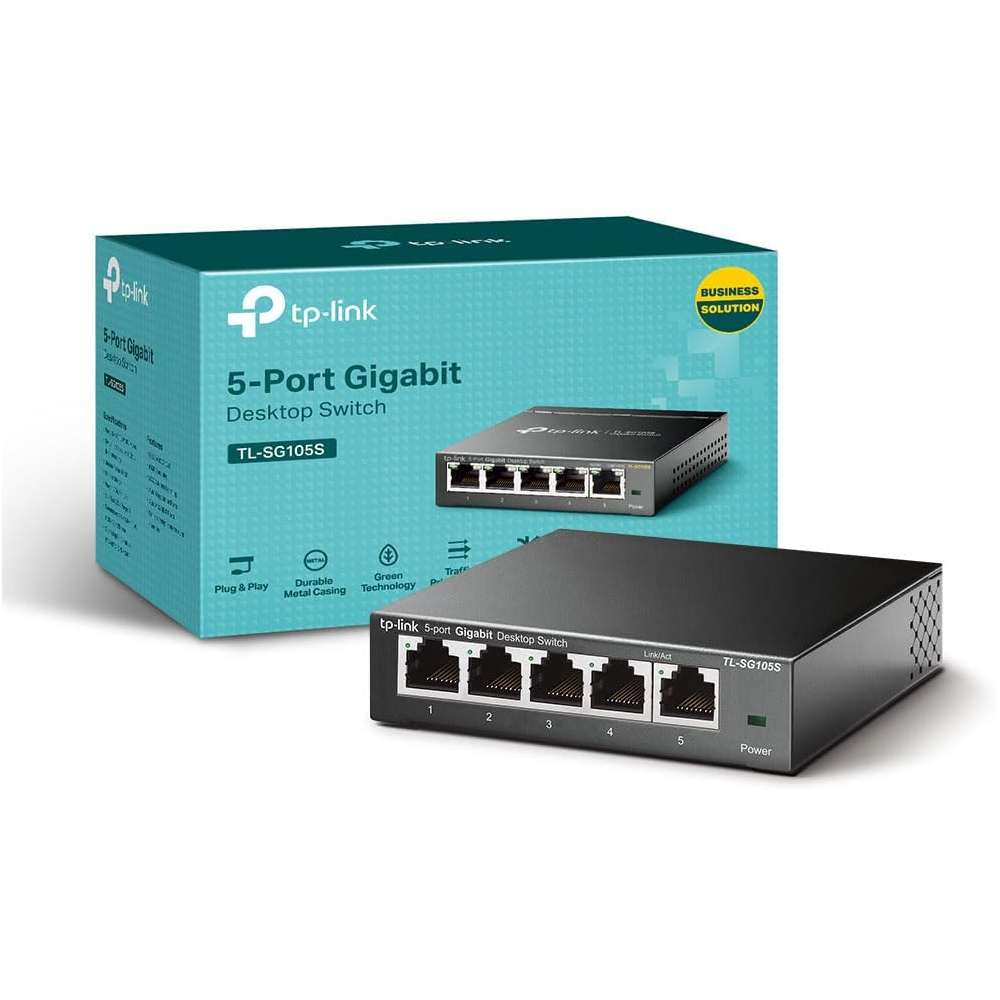
| TP-Link TL-SG105S | £18 / $24 | 1Gbps | 5 | Budget home networks | Low-cost plug-and-play setup |
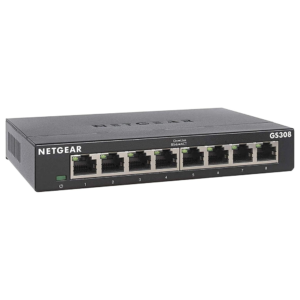
| NETGEAR GS308 | £22 / $29 | 1Gbps | 8 | More wired devices | 8 ports with silent operation |
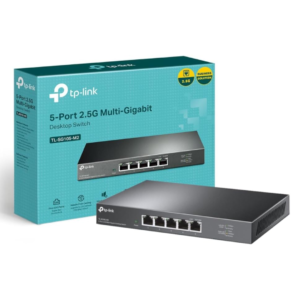
| TP-Link TL-SG105-M2 | £55 / $73 | 2.5Gbps | 5 | Best overall | Fast 2.5Gb multi-gig performance |
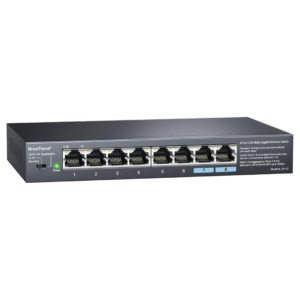
| BrosTrend 8 Port 2.5Gb Switch | £75 / $100 | 2.5Gbps | 8 | Gaming, NAS and high-speed setups | 8 multi-gig ports with VLAN mode |
Product Summaries
TP-Link TL-SG105S 5 Port Network Switch
- Brand - TP-Link
- Dimensions - 9.9 x 9.9 x 2.5 cm
- Weight - 280 g
- Wireless Speed - 1000 Mbps
- Special Feature - Eco-Friendly Silent Operation
Firstly we have the TP-Link TL-SG105S 5 Port Network Switch, which is the most budget friendly router on our list. It’s currently selling for £18/$24 on Amazon.
Featuring five Gigabit Ethernet ports, the TL-SG105S allows you to connect devices such as desktop PCs, games consoles, smart TVs, NAS drives, and printers without sacrificing network performance.
As an unmanaged switch, setup couldn’t be simpler. Just plug in your Ethernet cables and power adapter, and the switch automatically begins working without any software installation or configuration.
The compact metal housing is both durable and suitable for desktop or wall-mounted installation, while the fanless design ensures completely silent operation, making it ideal for home offices, bedrooms, and entertainment setups.
TP-Link also includes energy-saving technology that automatically adjusts power consumption based on cable length and network activity, helping to reduce electricity usage over time.
If you’re looking for an inexpensive, reliable network switch to expand your wired home network, the TP-Link TL-SG105S is one of the best value options currently available.
Buy the TP-Link TL-SG105S 5 Port Network Switch from Amazon for only £18/$24:
NETGEAR GS308 8 Port Gigabit Network Switch
- Brand - NETGEAR
- Dimensions - 15.8 x 10.1 x 2.9 cm
- Weight - 390 g
- Wireless Speed - 3000 Mbps
- Special Feature - 3-year hardware warranty
Next we have the NETGEAR GS308 8 Port Gigabit Network Switch. It’s currently selling for £22/$29 on Amazon.
Featuring eight Gigabit Ethernet ports, the GS308 provides enough connections for larger home networks, making it ideal for connecting desktop PCs, games consoles, smart TVs, NAS devices, IP cameras, and other wired equipment from a single switch.
Like the TP-Link model, the GS308 is an unmanaged switch, so there’s no software or configuration required. Simply connect your Ethernet cables and power it on to instantly expand your wired network.
The durable metal housing is designed for both desktop and wall-mounted installation, while the fanless design ensures completely silent operation, making it well suited to home offices, living rooms, and other noise-sensitive environments.
NETGEAR also includes energy-efficient technology that automatically reduces power consumption when ports are inactive, helping to minimise electricity usage without affecting network performance. Backed by a three-year limited hardware warranty, it also offers added peace of mind.
If you’re looking for an affordable network switch with more ports for a growing home network, the NETGEAR GS308 is one of the best value options currently available.
Buy the NETGEAR GS308 8 Port Gigabit Network Switch from Amazon for only £22/$29:
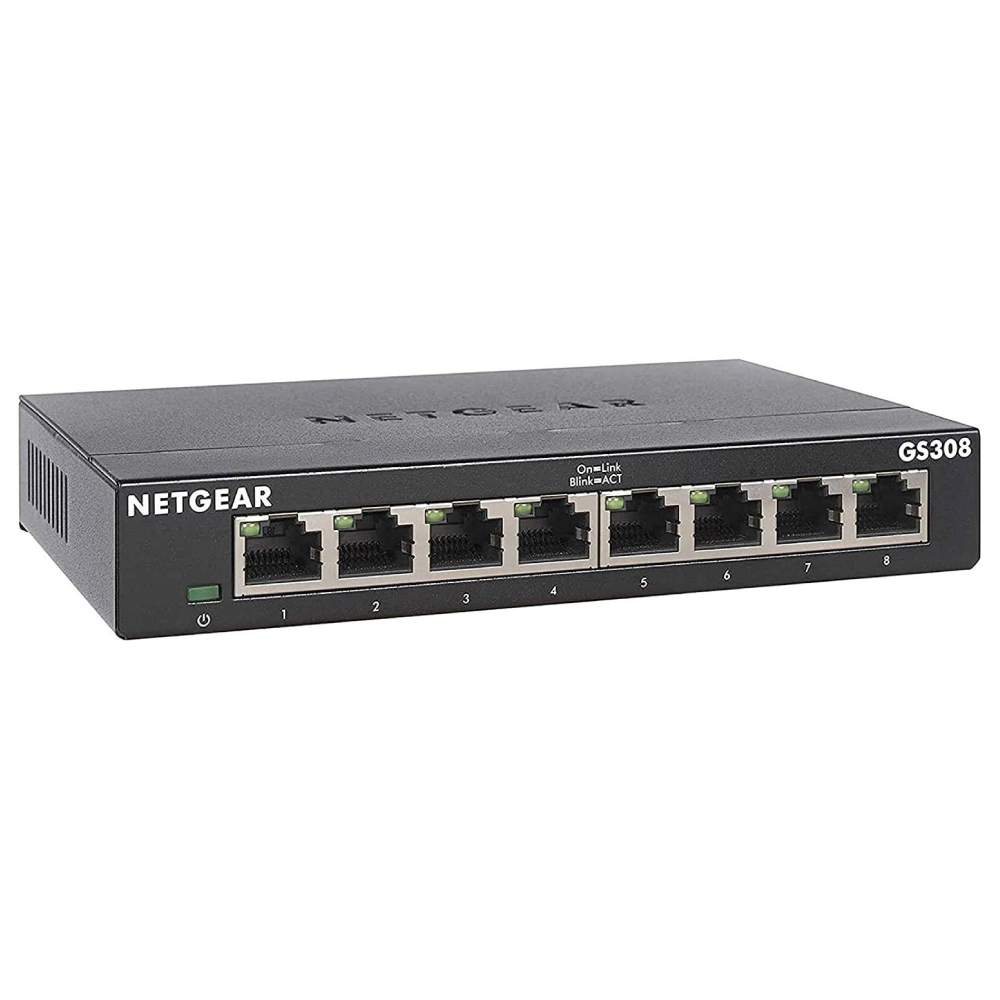
TP-Link TL-SG105-M2 5-Port 2.5Gbps Network Switch
- Brand - TP-Link
- Dimensions - 20.9 × 12.6 × 2.6 cm
- Weight - 560 g
- Download Speed - 2.5 Gbps
- Special Feature - Industrial Strength PoE Power
Another great network switch is the TP-Link TL-SG105-M2 5-Port 2.5Gbps Network Switch. It’s currently selling for £55/$73 on Amazon.
Unlike traditional Gigabit switches, the TL-SG105-M2 features five 2.5Gb Ethernet ports, allowing compatible devices to transfer data at up to 2.5 times the speed of standard Gigabit connections. It’s an excellent choice for gaming PCs, NAS devices, WiFi 6 and WiFi 7 access points, home servers, and high-speed broadband connections.
Despite its faster performance, the switch remains incredibly simple to use. As an unmanaged switch, it requires no software installation or configuration—just connect your devices and it starts working immediately.
The compact metal housing is designed for desktop or wall-mounted installation, while the fanless design ensures completely silent operation, making it suitable for home offices, entertainment systems, and other noise-sensitive environments. It also works with existing Ethernet cabling, allowing you to upgrade to 2.5Gb networking without replacing your cables.
If you’re looking for a reliable network switch that offers faster wired speeds without adding complexity, the TP-Link TL-SG105-M2 is one of the best overall options currently available.
Buy the TP-Link TL-SG105-M2 5-Port 2.5Gbps Network Switch from Amazon for £55/$73:
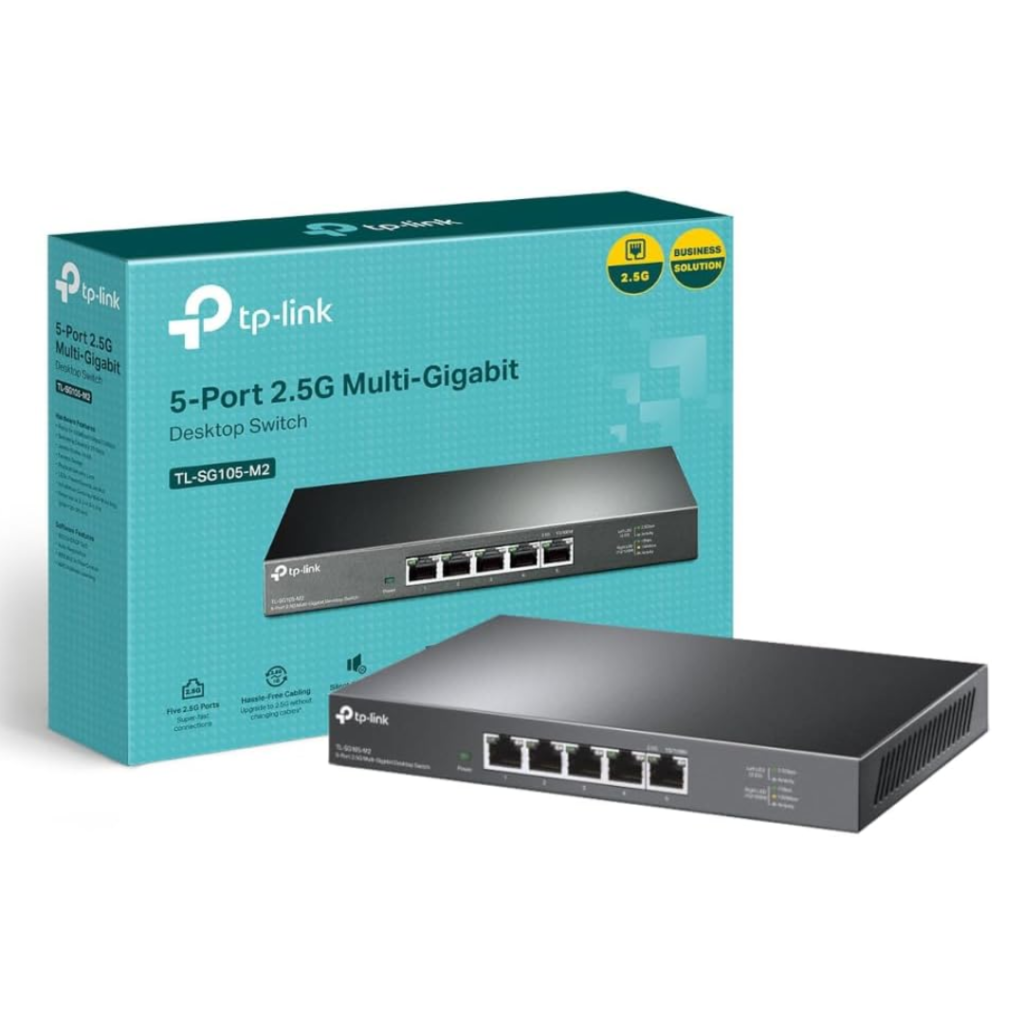
BrosTrend 8 Port 2.5Gb Network Switch
- Brand - BrosTrend
- Dimensions - 17.7 x 10.4 x 2.6 cm
- Weight - 500 g
- Wireless Speed - 2.5 Gbps
- Special Feature - Dual SIM support
Last but definitely not least, we have the BrosTrend 8 Port 2.5Gb Network Switch. It’s currently selling for £75/$100 on Amazon.
Unlike standard Gigabit switches, this model features eight 2.5Gb Ethernet ports, allowing compatible devices to transfer data at up to 2.5 times the speed of traditional Gigabit connections. This makes it an ideal upgrade for modern gaming PCs, NAS devices, WiFi 6E and WiFi 7 access points, and other multi-gigabit hardware.
Although it offers advanced features such as Static Link Aggregation and VLAN mode, the switch remains incredibly easy to use. Simply connect your devices and choose between Standard, Link Aggregation, or VLAN mode using the built-in hardware switch—no software or complicated configuration is required.
The durable metal housing and fanless design ensure reliable, silent operation, while the well-ventilated chassis helps keep the switch cool during demanding workloads. Support for Static Link Aggregation also allows compatible NAS devices and servers to benefit from increased bandwidth and improved redundancy.
If you’re looking to future-proof your home network or unlock faster wired speeds for gaming, media streaming, and network storage, the BrosTrend 8-Port 2.5Gb Switch is one of the best multi-gig network switches currently available.
Buy the BrosTrend 8 Port 2.5Gb Network Switch from Amazon for £75/$100:
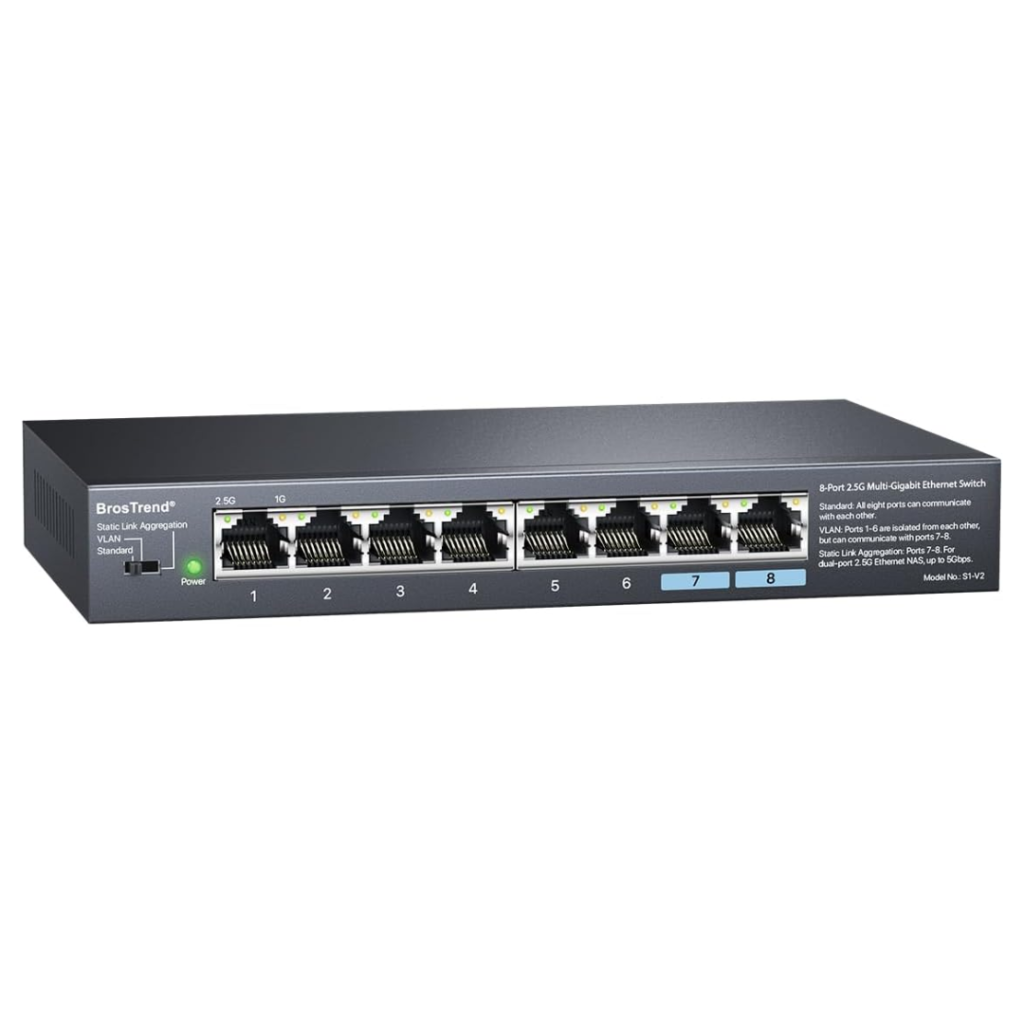
Which Network Switch Is Right for You?
Not every network switch is designed for the same setup. The table below compares the most common types to help you choose the right option for your home network.
If your router is limiting the performance of your home network, upgrading to a WiFi 6 router may provide a bigger improvement than adding a network switch. Our guide to the Best WiFi 6 Routers compares some of the top options currently available.
For setups involving IP cameras, wireless access points or VoIP phones, a PoE switch can provide both power and data through a single Ethernet cable. Our Best PoE Network Switches UK guide compares suitable options for different network sizes and power requirements.
| 🏠 Network Type | 🔌 Recommended Switch | 👍 Best For | ⚠️ Considerations |
|---|---|---|---|
| Basic Home Network | 5-Port Gigabit Switch | Adding Ethernet ports for a few wired devices | Limited room for future expansion |
| Growing Home Network | 8-Port Gigabit Switch | Gaming consoles, PCs, smart TVs and NAS devices | No speed increase over Gigabit |
| Multi-Gig Home Network | 2.5Gb Network Switch | Gaming, NAS, WiFi 6E/7 and high-speed broadband | Requires compatible 2.5Gb devices to benefit |
| Smart Home or CCTV | PoE Network Switch | Powering IP cameras, access points and VoIP phones | Usually costs more than standard switches |
FAQs
The best network switch depends on how many wired devices you need to connect and the speeds your network supports. A 5-port Gigabit switch is usually enough for smaller setups, while an 8-port switch provides more room for expansion. If you have a NAS, gaming PC, or multi-gig broadband, a 2.5Gb switch may be worth considering.
No. A quality Gigabit or 2.5Gb network switch will not reduce your internet speed. It simply allows multiple wired devices to share your network connection. However, your maximum speed will still be limited by your broadband connection and the capabilities of your router and connected devices.
A router connects your home network to the internet, while a network switch expands the number of wired Ethernet ports available on your existing network. If you’re unsure which device you need, our Home Networking Guide explains how routers, switches, and other networking equipment work together.
Thanks for reading our article on the best network switches. If you want to learn more about home networking in general, take a look at our home networking guide.
Feel free to leave a comment below if you have any thoughts or queries that you’d like us to take a look at – we’d be happy to help. Bye for now!