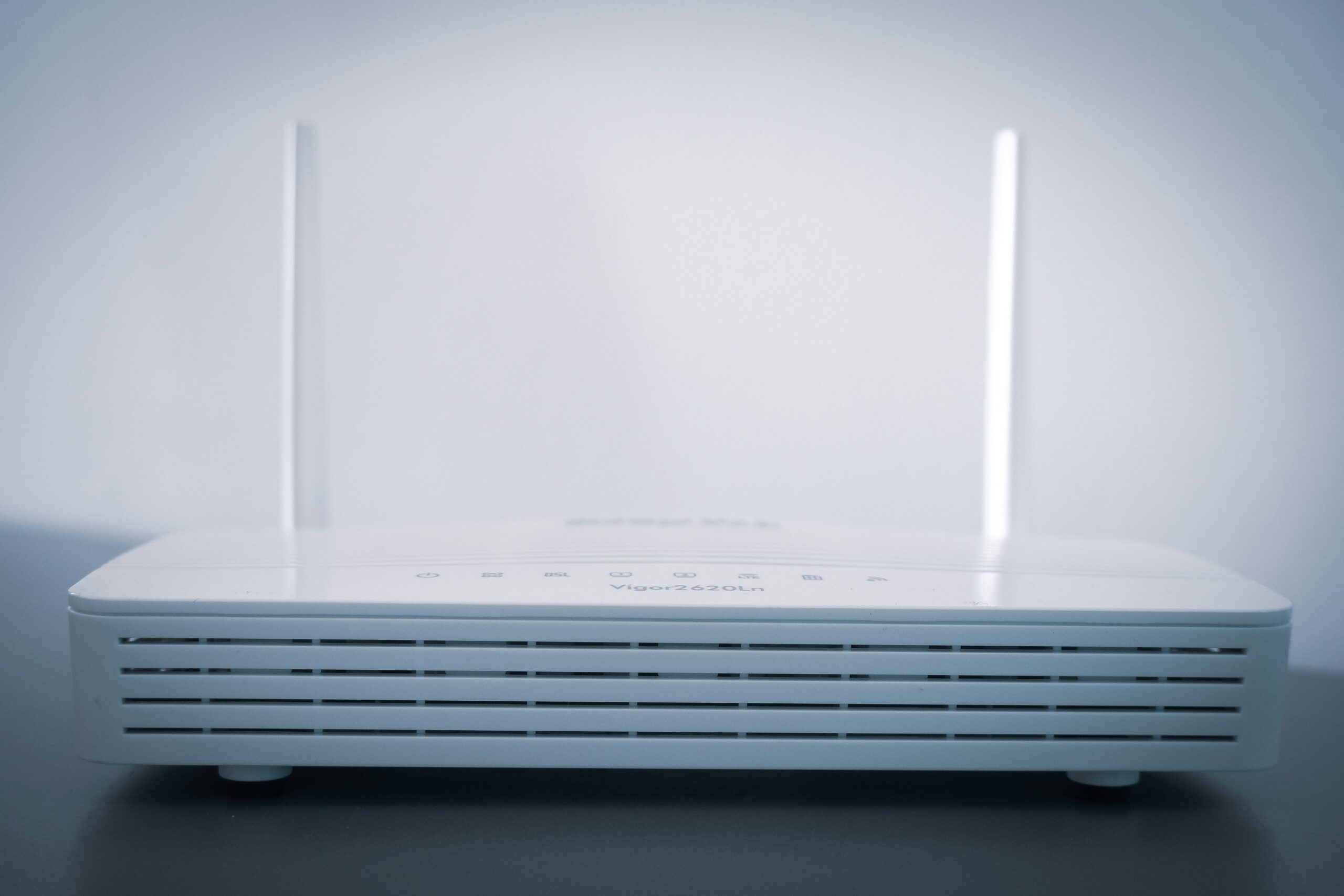
A home Wi-Fi router sends wireless signals throughout your house, connecting devices such as smartphones, laptops, smart TVs, and security cameras to the internet. However, the strength and reliability of that signal can vary significantly depending on where the router is positioned.
Many people place their router wherever it’s convenient – often near the modem or in a corner of the house. While this might seem logical, poor router placement is one of the most common causes of weak Wi-Fi signals, slow speeds, and frustrating dead zones.
In this guide we’ll explain the best places to position a router for strong Wi-Fi coverage, what obstacles can weaken your signal, and simple adjustments that can improve performance across your entire home.
So, let’s get started.
Why Router Placement Matters
Wi-Fi signals travel through the air using radio waves, which spread outward from the router in all directions. Because of this, the router’s location plays a major role in determining how effectively the signal reaches different rooms.
When a router is placed in an unsuitable location, parts of the house may receive a much weaker signal. Walls, floors, furniture, and large appliances can all interfere with wireless signals as they travel through your home.
The farther the signal has to travel – and the more obstacles it encounters – the weaker it becomes. This can lead to slower internet speeds, buffering during streaming, and unstable connections when using multiple devices.
Placing your router in a better location can often improve Wi-Fi performance immediately, without needing to upgrade your internet plan or buy additional networking equipment.
If you want to understand how routers distribute internet throughout your home network, our Home Networking Guide explains the fundamentals in more detail.
The Best Place to Put Your Router
For most homes, the best place to position a router is somewhere central, elevated, and free from major obstacles. This allows the Wi-Fi signal to spread more evenly throughout the house.
A central location works best because Wi-Fi signals radiate outward in every direction. If the router is placed at one edge of the property, much of the signal may be wasted outside rather than reaching the rooms where it is needed.
Elevation also plays an important role. Routers tend to perform better when positioned on a shelf, desk, or wall mount rather than sitting on the floor. Raising the router helps the signal travel more freely across the room instead of being blocked by furniture or other objects.
Keeping the router in an open space also improves signal strength. Cabinets, cupboards, and enclosed TV units can trap or weaken wireless signals, which is why routers should ideally remain visible and unobstructed.
For many homes, placing the router in a central living area or hallway at around head height provides the most balanced coverage.
| 📍 Router Placement | 📶 Signal Impact | 📝 Notes |
|---|---|---|
| Central, elevated position | Strong | Best coverage across the home |
| Corner of the house | Weak in distant rooms | Signal spreads in limited directions |
| Behind furniture or TV | Reduced | Signal partially blocked |
| Inside a cupboard | Very weak | Signal heavily restricted |
| Near thick walls/appliances | Unstable | Interference and signal loss |
Common Router Placement Mistakes
Even a powerful router can struggle to provide good coverage if it’s placed in a poor location. Many homes unknowingly position their router in areas that limit signal strength.
One of the most common mistakes is placing the router in a corner of the house. This often happens because the modem connection enters the property at one wall, but it means the signal has to travel across the entire home to reach other rooms.
Another frequent issue is hiding the router inside cabinets, drawers, or TV stands. While this might improve aesthetics, it significantly weakens the signal by surrounding the router with solid materials.
Large metal objects and appliances can also interfere with Wi-Fi signals. Refrigerators, radiators, and filing cabinets can reflect or absorb radio waves, reducing signal quality.
Finally, placing a router too close to the floor can limit its range. Since Wi-Fi signals spread outward and slightly downward, positioning the router at a higher point allows the signal to travel more efficiently across the home.
Avoiding these common placement mistakes can dramatically improve Wi-Fi coverage without needing new equipment.
| ⚠️ Problem Location | 📶 WiFi Issue | ✅ Better Placement |
|---|---|---|
| Router in a corner of the house | Weak signal in distant rooms | Move router closer to the centre of the home |
| Router inside cabinets or cupboards | Signal blocked by furniture | Place router in an open space |
| Router near large metal appliances | Signal interference and dropouts | Move router away from fridges, radiators or filing cabinets |
| Router placed on the floor | Reduced signal range | Position router on a shelf or desk |
| Router near thick walls or concrete | Signal struggles to pass through | Place router in a room with fewer barriers |
What Objects Can Block WiFi Signals?
WiFi signals can pass through many materials, but some objects weaken them much more than others.
Dense materials such as concrete, brick, and stone are particularly difficult for wireless signals to penetrate. Homes with thick internal walls or multiple floors may experience weaker WiFi in rooms further away from the router.
Metal objects can also interfere with wireless signals. Large appliances such as refrigerators, filing cabinets, and radiators may reflect radio waves rather than allowing them to pass through. This can create areas where the signal becomes inconsistent.
Glass surfaces may also reduce signal strength slightly, especially when coated with metal films used in energy-efficient windows.
Because of this, it’s usually best to position a router in an open space with as few obstacles as possible between it and the rooms where devices are used most often.
Should Your Router Be Upstairs or Downstairs?
The best floor for router placement depends largely on the layout of your home.
If your router is placed on the ground floor of a multi-storey property, much of the signal may struggle to reach upstairs rooms. Likewise, a router placed on the top floor may not provide strong coverage to lower levels.
In many homes, placing the router roughly in the middle floor of the property provides the most balanced coverage.
When that isn’t possible, positioning the router as centrally as possible on the main floor where most devices are used usually works best.
Because WiFi signals travel slightly downward as they spread outward, placing the router on a raised surface such as a shelf or wall mount can help improve coverage across multiple floors.
When to Use a Mesh WiFi System Instead
The best floor for router placement depends largely on the layout of your home.
If your router is placed on the ground floor of a multi-storey property, much of the signal may struggle to reach upstairs rooms. Likewise, a router placed on the top floor may not provide strong coverage to lower levels.
In many homes, placing the router roughly in the middle floor of the property provides the most balanced coverage.
When that isn’t possible, positioning the router as centrally as possible on the main floor where most devices are used usually works best.
Because WiFi signals travel slightly downward as they spread outward, placing the router on a raised surface such as a shelf or wall mount can help improve coverage across multiple floors.
If you want to learn about mesh networks in more detail, check out our article on Mesh Wi-Fi vs Routers.
Final Thoughts
Router placement can have a surprisingly large impact on the quality of your home Wi-Fi. Even a fast internet connection can feel slow or unreliable if the router is hidden in a corner, blocked by furniture, or positioned too far from the rooms where you use your devices most.
In many cases, simply moving the router to a more central and elevated location can noticeably improve coverage. Keeping the router in an open space and away from large obstacles also helps the signal travel more freely throughout the home.
However, placement alone cannot solve every coverage problem. Larger houses, thick walls, or multi-storey layouts may require additional equipment such as mesh Wi-Fi systems or range extenders to ensure consistent signal strength in every room.
Understanding how routers distribute wireless signals — and positioning them carefully — is one of the easiest ways to improve Wi-Fi performance without upgrading your internet plan or buying new hardware.
FAQs
The best place for a WiFi router is in a central location, elevated off the floor, and in an open space. This allows the wireless signal to spread evenly throughout the home. Avoid placing the router in corners, cabinets, or behind large furniture, as these obstacles can weaken the signal and create WiFi dead zones.
Ideally, a router should be placed near the middle of the home vertically, such as on the main floor of a two-storey house. WiFi signals spread outward and slightly downward, so positioning the router on a shelf or desk on the main level usually provides the most balanced coverage across both floors.
Dense materials such as concrete, brick, and metal can significantly weaken WiFi signals. Large appliances like refrigerators and metal cabinets may also cause interference. For the best signal strength, place your router away from thick walls, metal objects, and enclosed spaces.
Thank you for reading our guide to Wi-Fi router placement.
Feel free to leave a comment below if you have any thoughts or queries that you’d like us to take a look at – we’d be happy to help.