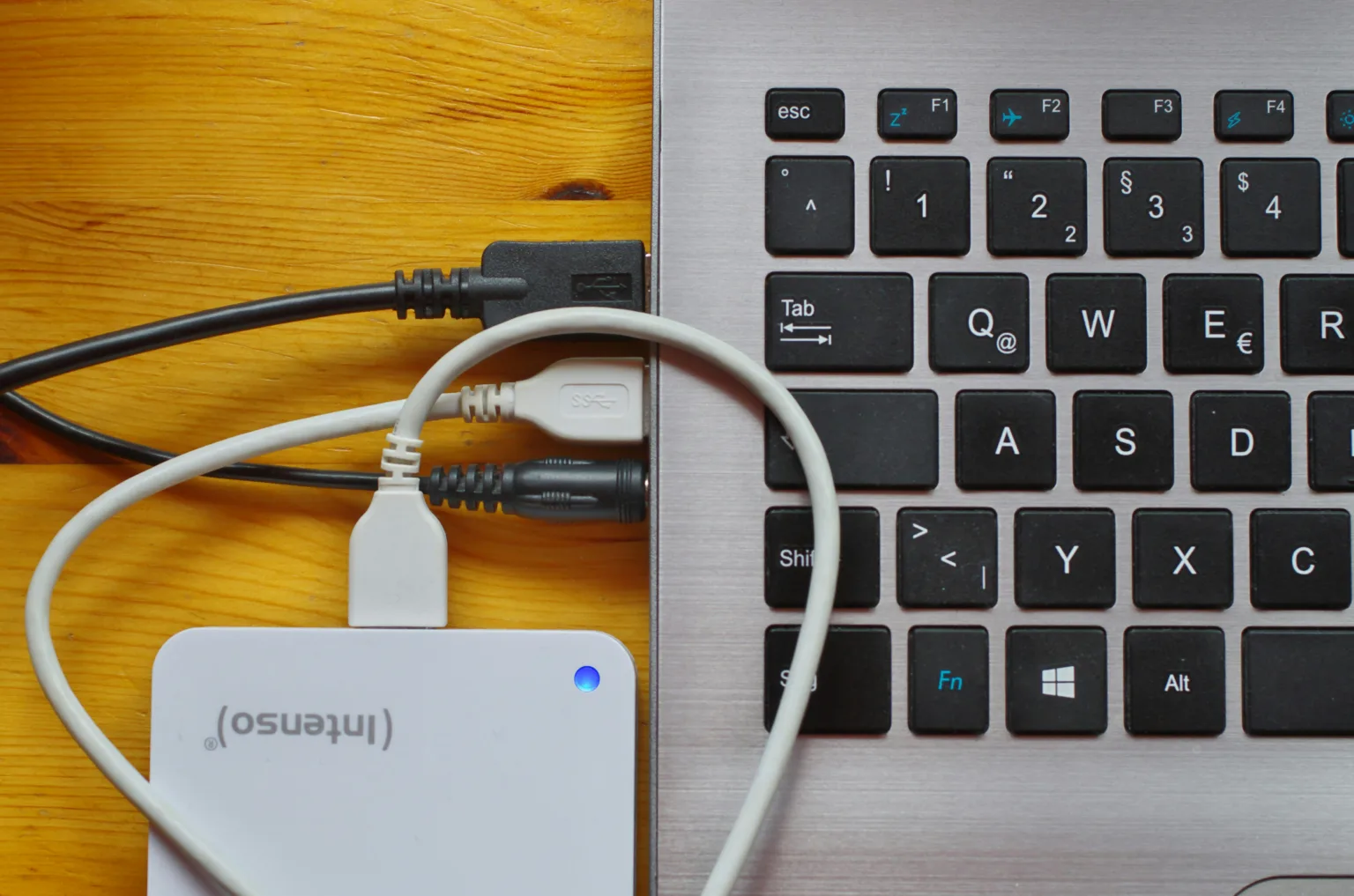
Hard drives can be an excellent way to store and transfer information, but they’re not always compatible with the USB ports used on PCs or laptops.
One way to get round this is by using a USB to SATA adapter, allowing you to use almost any hard drive with your computer or laptop.
In this article, we’ll cover some of the best adapters on Amazon at a range of price points.
So, what are our favourites?
Best Options At A Glance
💾 USB to SATA Adapter Comparison Table
Here’s a quick side-by-side comparison of the best USB to SATA adapters, highlighting compatibility, speed, and key features to help you choose the right option.
| 💾 Model | 💷 Price Tier | 🔌 Drive Support | ⚡ Speed | ⭐ Key Feature | 🎯 Best For |
|---|---|---|---|---|---|
| Multibao USB to SATA | £ | 2.5" | Up to 5Gbps | Ultra lightweight | Basic file transfers on a budget |
| BENFEI SATA Enclosure | £ | 2.5" | Up to 5Gbps | Tool-free design | Turning SSD/HDD into external drive |
| UGREEN USB to SATA | ££ | 2.5"/3.5" | Up to 5Gbps | Auto sleep mode | Mixed drive compatibility |
| FIDECO IDE/SATA Adapter | £££ | 2.5"/3.5" + IDE | Up to 5Gbps | Multi-drive support | Data recovery and older drives |
| SABRENT DS-UCMH | ££££ | M.2 + 2.5"/3.5" | Up to 10Gbps | Offline cloning | Advanced users and upgrades |
Product Summaries
Multibao USB To SATA Hard Disk Adapter
- Brand - Multibao
- Package Dimensions - 17.5 x 10.5 x 1.3 cm
- Weight - 20 g
- SATA Compatibility - 2.5"
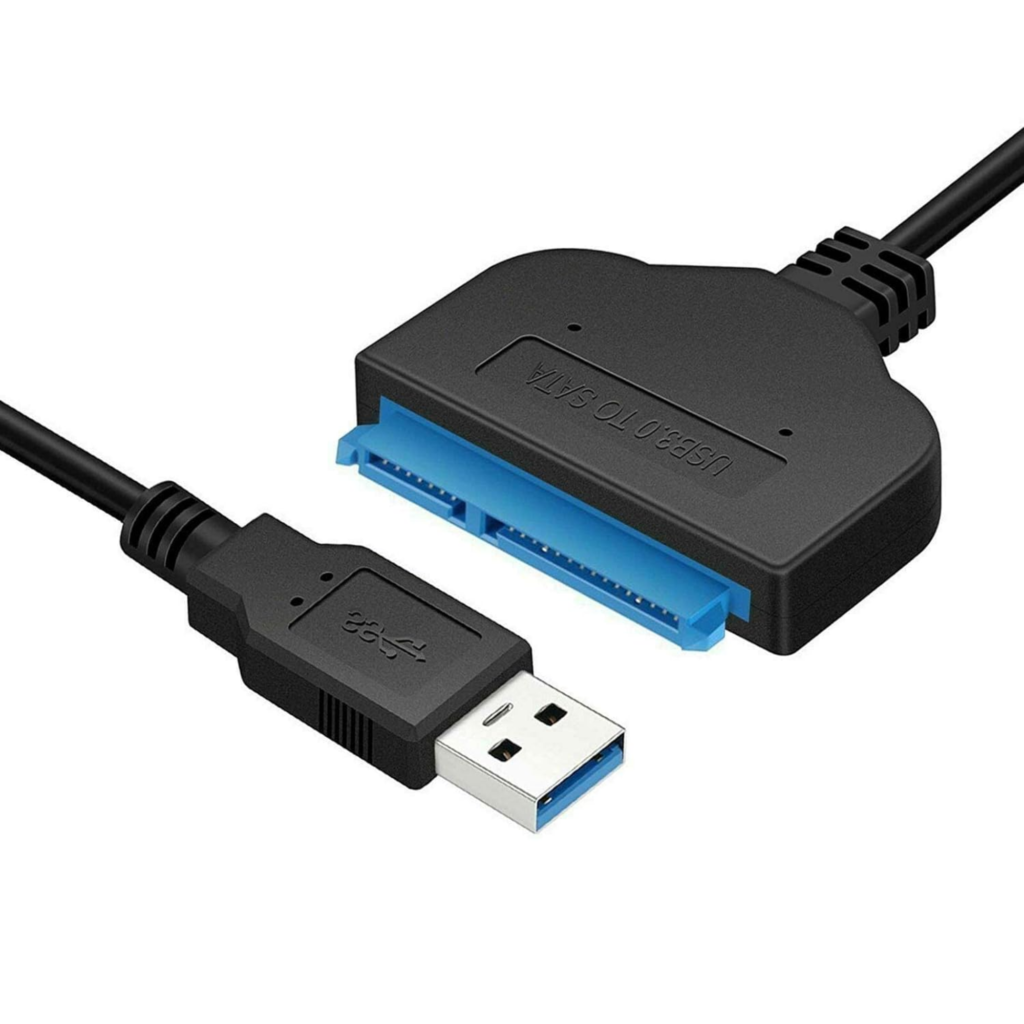
Firstly we have a budget option in the Multibao USB To SATA Hard Disk Adapter. It’s currently selling on Amazon for £4/$5.
This adapter is USB 3.0 to SATA 2.5″, and it’s compatible with pretty much every operating system you can think of. There’s also no additional drivers required no matter what operating system you use it with.
It supports plug and play/hot swapping with no external power required. Even more impressively, it is capable of transfer speeds as quick as 5GB per second!
This hard drive USB adapter is a great choice if you just want something basic that will get the job done. It’s great for the beyond reasonable price.
Buy the Multibao USB To SATA Hard Disk Adapter on Amazon for £4/$5:
BENFEI 2.5 Inch SATA to USB Tool
- Brand - BENFEI
- Dimensions - aprx. 15 x 8 x 3 cm
- Weight - 90 g
- SATA Compatibility - 2.5"
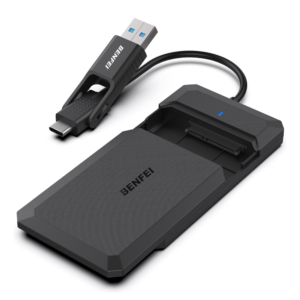
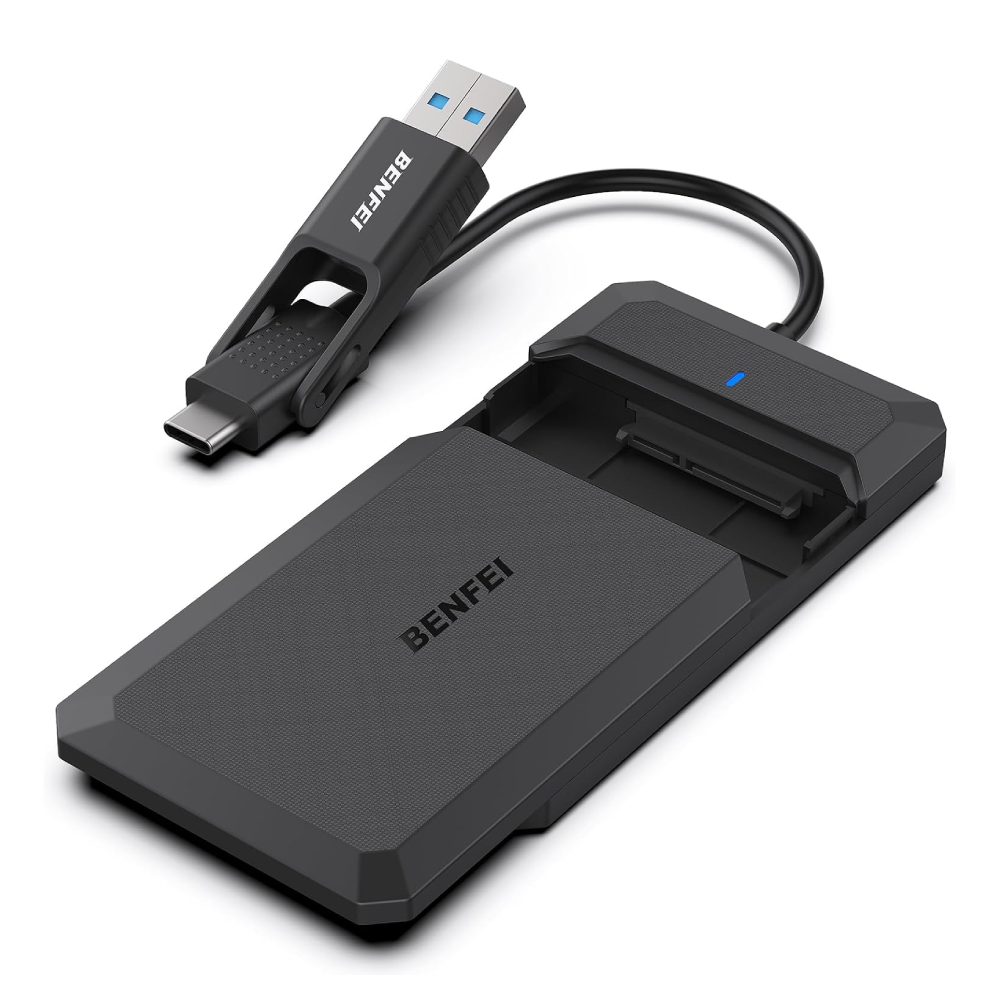
Next we have the BENFEI 2.5 Inch SATA to USB Tool. It’s currently selling on Amazon for £10/$13.
The BENFEI 2.5″ SATA to USB Hard Drive Enclosure is a simple and affordable way to turn an internal SSD or HDD into a portable external drive. It supports 2.5-inch SATA drives up to 6TB, making it ideal for file transfers, backups, or repurposing old drives.
Setup is quick and tool-free. Just slide the cover open, insert your drive, and connect via USB. It supports both USB-A and USB-C, giving you flexibility across laptops, PCs, and even consoles like PS4.
Performance is solid for the price. With USB 3.0 and UASP support, it delivers transfer speeds of up to 5Gbps, which is noticeably faster than standard USB connections when paired with an SSD.
It’s widely compatible too, working with Windows, macOS, and Linux systems without needing drivers. Overall, it’s a compact, plug-and-play solution for anyone looking to reuse or expand storage on a budget.
Buy the BENFEI 2.5 Inch SATA to USB Tool on Amazon for £10/$13:
UGREEN USB to SATA 2.5/3.5" Adapter
- Brand - UGREEN
- Dimensions - 5.3 x 4.6 x 1.3 cm
- Weight - 60 g
- SATA Compatibility - 2.5/3.5"
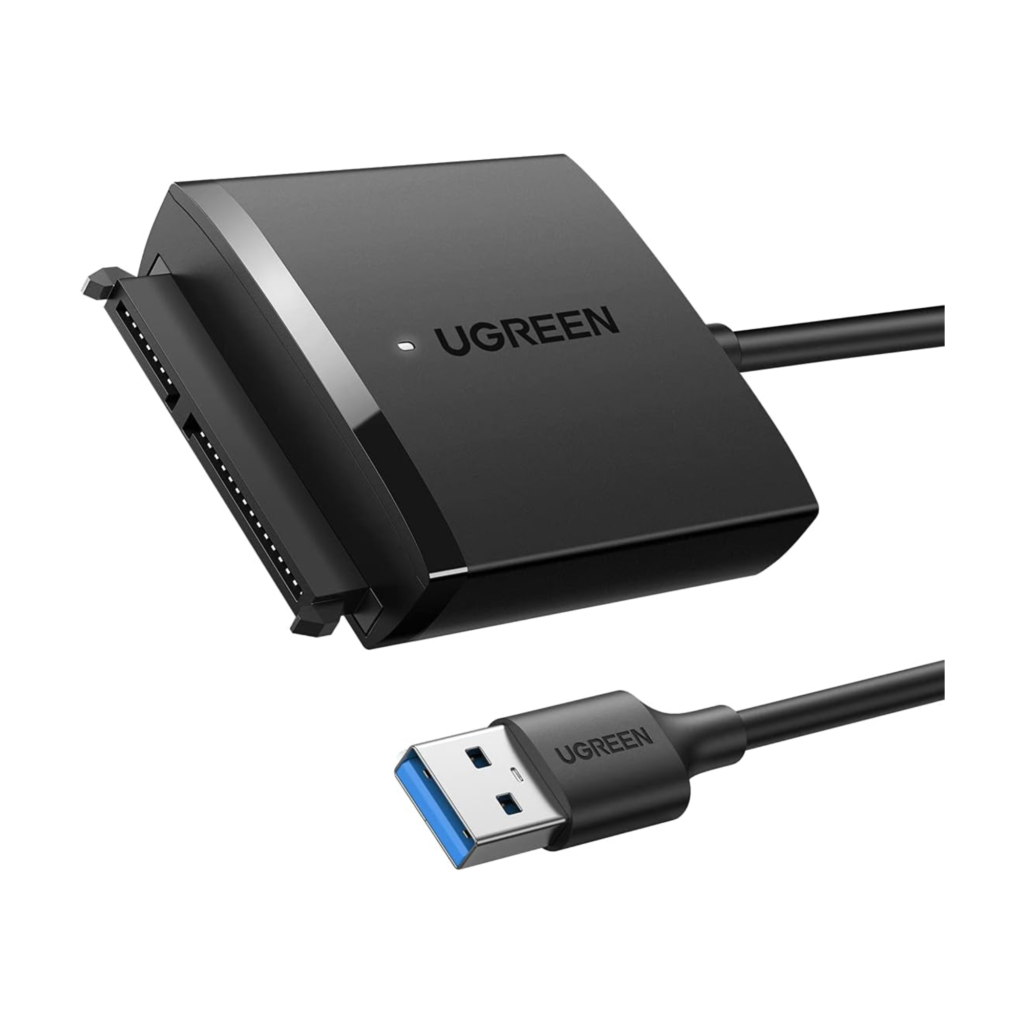
Another great option is the UGREEN USB to SATA Adapter. It’s currently selling on Amazon for £13/$18.
Unlike some of the other adapters on this list, this model allows you to connect USB devices to either 2.5 or 3.5″ SATA hard drives or SSDs. This flexibility is ideal if you own a range of hard drives in different sizes.
This adapter is cable of transfer speeds up to 5GB per second, but as with the other models on this list, the speed is dependant on the connected USB and SATA devices.
One of the more unique features is the auto-sleep mode. This ensures that the adapter doesn’t continue to draw power after extended periods of no transfer. Not only does this save power, but also helps to extend the lifespan of the connected hard drive.
This USB hard drive reader from UGREEN is currently Amazon’s choice for the phrase “HDD reader”, and it’s easy to see why.
Buy the UGREEN USB to SATA Adapter on Amazon for £13/$18:
FIDECO USB to IDE/SATA Adapter
- Brand - FIDECO
- Package Dimensions - 9.5 x 6 x 1.5 cm
- Weight - 280 g
- SATA Compatibility - 2.5/3.5"
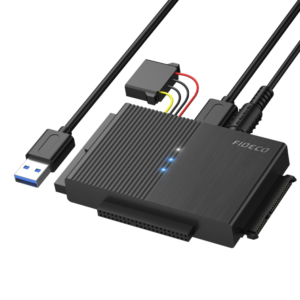
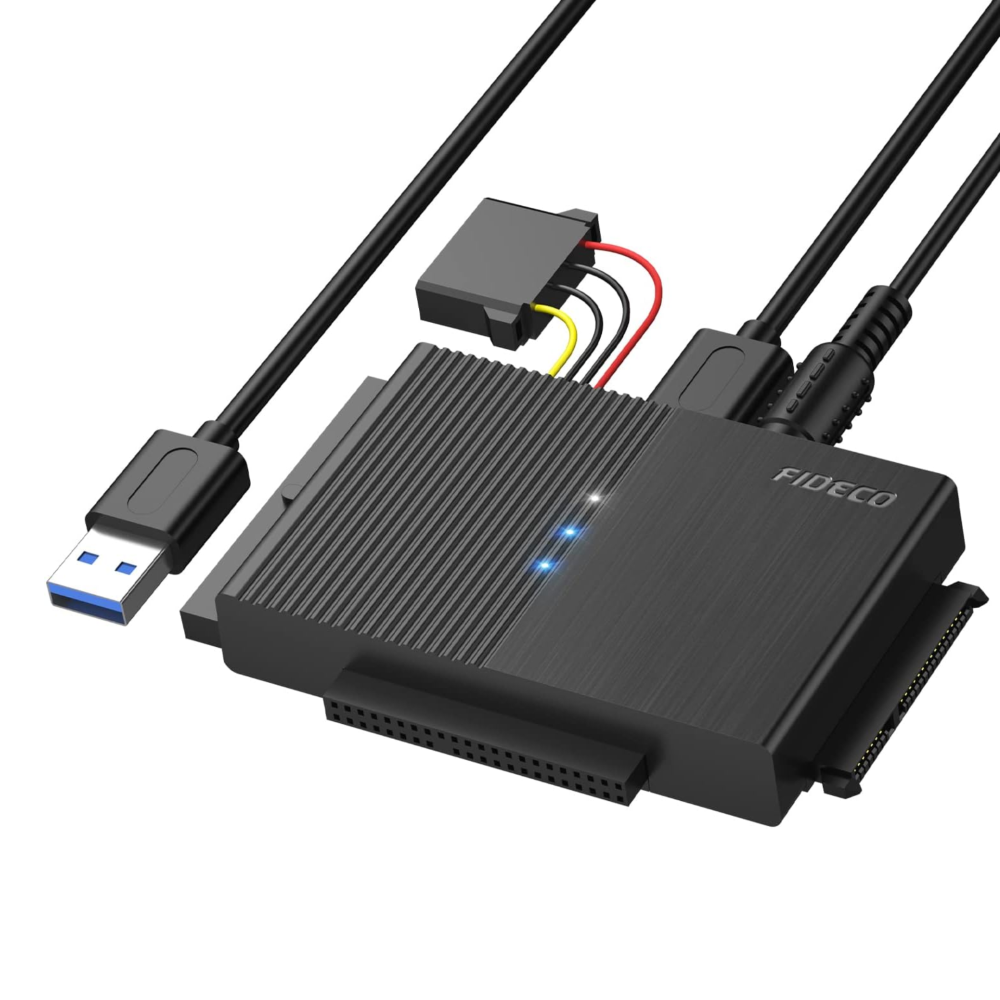
Next we have the impressive FIDECO USB to IDE/SATA Adapter. It’s currently selling on Amazon for £31/$42.
The FIDECO IDE and SATA USB 3.0 Adapter is a versatile converter designed for accessing older and modern hard drives externally.
It supports 2.5-inch and 3.5-inch SATA HDDs and SSDs, as well as 2.5-inch and 3.5-inch IDE drives. It can also connect optical drives such as CD-ROM and DVD-RW units. With USB 3.0 connectivity, it delivers transfer speeds up to 5Gbps and remains backward compatible with USB 2.0.
The adapter supports drives up to 16TB and allows up to three drives to be connected simultaneously, making it useful for data recovery, backups, or testing old hardware.
Plug-and-play functionality ensures compatibility with Windows, macOS, and Linux systems without requiring additional drivers. Its compact design makes it easy to store and transport for home or office use.
Buy the FIDECO USB to IDE/SATA Adapter on Amazon for £31/$42:
SABRENT DS-UCMH SSD/HDD M2 Converter
- Brand - SABRENT
- Dimensions - 14 x 14 x 14 cm
- Weight - 40 g
- SATA Compatibility - SSD/2.5/3.5"
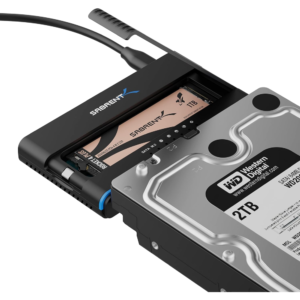
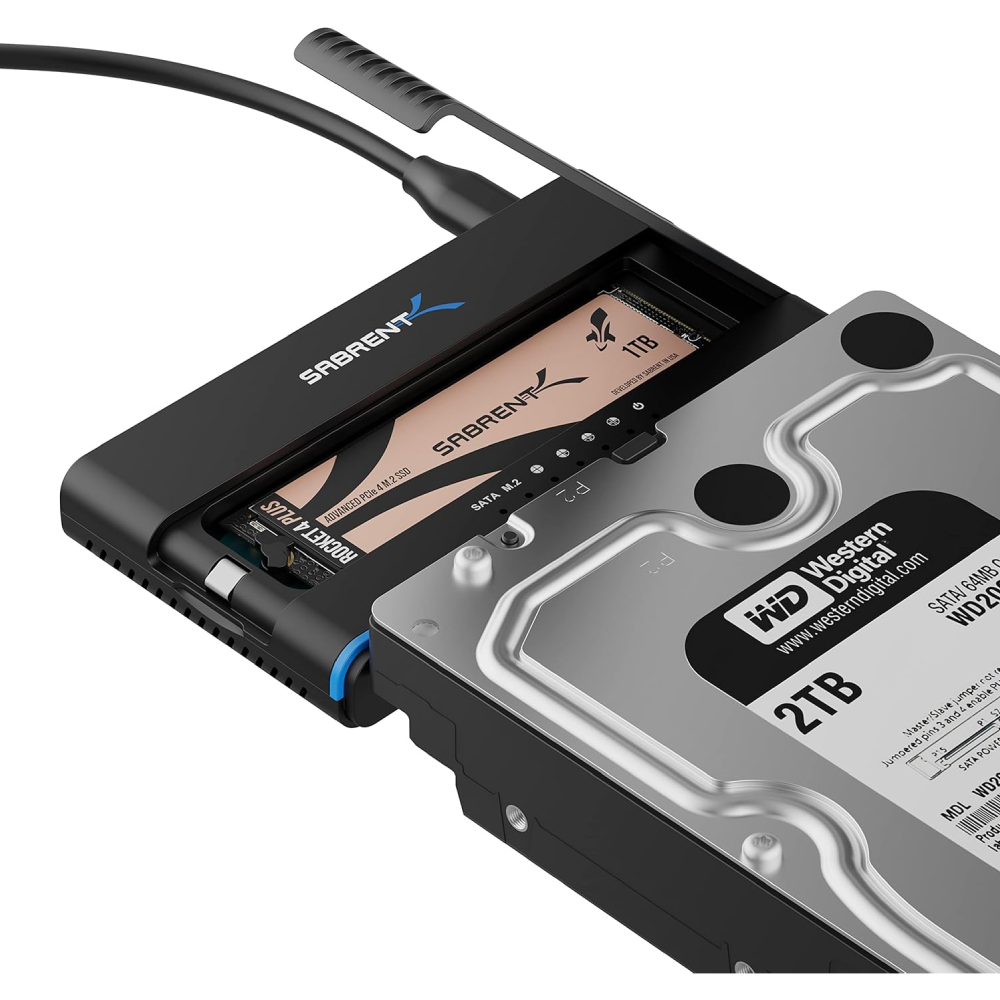
Finally we have the SABRENT DS-UCMH SSD/HDD M2 Converter. It’s currently selling on Amazon for £65/$88.
The SABRENT DS-UCMH SSD Enclosure and Dock is a versatile all-in-one solution for managing and cloning drives. It supports M.2 NVMe SSDs as well as 2.5″ and 3.5″ SATA SSDs and HDDs, making it ideal for upgrades, backups, or working with multiple drive types in one setup.
Performance is a strong point. With USB 3.2 Gen 2, it offers transfer speeds of up to 10Gbps, delivering fast data access and efficient file transfers. It also includes offline cloning, allowing you to duplicate drives without connecting to a PC – a major advantage for quick upgrades or data migration.
Ease of use is excellent. The tool-free design makes installation simple, and LED indicators keep you updated on drive status and cloning progress. A built-in direction switch adds flexibility, letting you clone in either direction.
It’s also well-equipped for stability and compatibility. The included power adapter ensures reliable performance for larger drives, while USB-C and USB-A cables provide flexible connectivity across different devices.
Overall, this is a powerful and highly flexible enclosure dock, best suited for users who need fast transfers, multi-drive support, and convenient cloning features in one unit.
Buy the SABRENT DS-UCMH SSD/HDD M2 Converter on Amazon for £65/$88:
How fast are SATA to USB adapters?
Hard drive USB adapters usually have transfer speeds on the range of 5GB per second, but this is dependant on a couple factors.
The first and probably most obvious factor is the quality of the cable itself. Cheaper models may have slightly slower transfer speeds when compared to more expensive high quality models.
Another important factor is the hard drive the adapter is connected to. The speed of transfer is limited to the speed of the hard drive, so if you have an older model with slower speeds, your converter may be limited to the speed of the hard drive.
Data transfer speeds will also be affected by the USB port on the device you’re connecting to. For example, transfer speeds through USB 2.0 will be much slower than transfers through USB 3.0, even if your adapter is compatible with both.
To summarise, adapter cable quality, hard drive quality, and USB type are all key factors when it comes to SATA to USB transfer speeds.
Can you convert SATA to USB?
Yes, you can convert 2.5/3.5″ SATA hard drives or SSDs to USB using a simple adapter.
There are adapters designed specifically for either 2.5 or 3.5″ SATA connections, but there are also models that can work with both if you don’t want to be limited to using drives of the same size.
💾 USB Hard Drive Adapter Types Explained
USB hard drive adapters come in several formats, each suited to different use cases like quick file transfers, permanent storage, or cloning drives.
| 🔌 Type | ⚙️ How It Works | 💽 Drive Support | 🎯 Best For | ⚠️ Limitations |
|---|---|---|---|---|
| Adapter Cable | Direct USB-to-SATA connection | 2.5" (sometimes 3.5") | Quick file transfers | No protection for drive |
| Enclosure | Encases drive as external HDD | 2.5" / 3.5" | Portable storage | Slightly bulkier |
| Docking Station | Slot-in design for drives | 2.5" / 3.5" | Frequent swapping / backups | Not portable |
| Multi-Drive Adapter | Supports SATA + IDE | 2.5" / 3.5" + legacy | Data recovery / old drives | More complex setup |
| M.2 / NVMe Dock | Supports modern SSD formats | M.2 NVMe + SATA | Upgrades and cloning | Higher cost |
Thanks for reading our article. If you’re interested in data adapters, you might want to take a look at our article covering the Best Micro SD to SD Memory Card Adapter.
Feel free to leave a comment if you have any queries – we’d be happy to help.