
Amazon Fire HD 10 is a well-rounded mobile tablet. It’s ideal for streaming movies, reading books, or even getting some work done. However, if you want to get the most out of your Fire HD 10, you’ll need a reliable wireless keyboard.
Wireless keyboards make it far easier to type on tablets like the Fire HD 10, transforming them into tablet-laptop hybrids that are ideal for both work and play. Many tablet users like the idea of upgrading their machine, but it can be difficult to find the best accessories for you with so many great options on the market.
So, what is the best wireless keyboard for the Amazon Fire HD 10? Here are some of our favourites:
Best Options At A Glance
⌨️ Best Amazon Fire Tablet Keyboards Comparison Table
If you’re comparing portability, typing comfort, battery life, and tablet compatibility, the table below highlights the key differences between these keyboards for Amazon Fire tablets at a glance.
| ⌨️ Product | 💷 Price | 📶 Connectivity | ⭐ Key Features | 🏡 Best For |
|---|---|---|---|---|
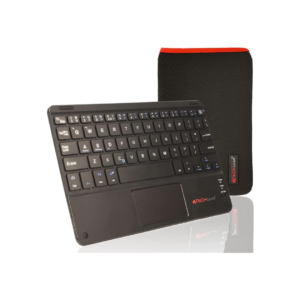
| TECHGEAR Active Strike Pro Slim Wireless Keyboard | £ | Bluetooth | Integrated touchpad, ultra lightweight | Budget users wanting keyboard + touchpad functionality |
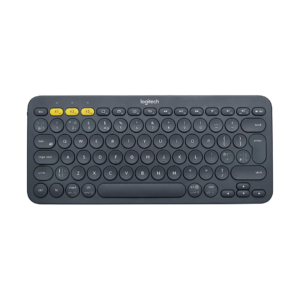
| Logitech K380 Wireless Multi-Device Keyboard | ££ | Bluetooth | Multi-device pairing, 2-year battery life | Users wanting a trusted all-round wireless keyboard |
| FINTIE Made For Amazon Kids Wireless Keyboard | ££ | Bluetooth | Shock-absorbent case, automatic sleep mode | Child-friendly tablet use |
| FINTIE Bluetooth Keyboard Case for Amazon Fire HD 10 | £££ | Bluetooth | Magnetic detachable keyboard, auto wake/sleep | Productivity, work, and school use |
Product Summaries
TECHGEAR Active Strike Pro Slim Wireless Keyboard
- Brand - TECHGEAR
- Dimensions - 23 x 15 x 1 cm
- Weight - aprx. 350 g
- Connectivity - Bluetooth
- Special Feature - Ultra Light Weight
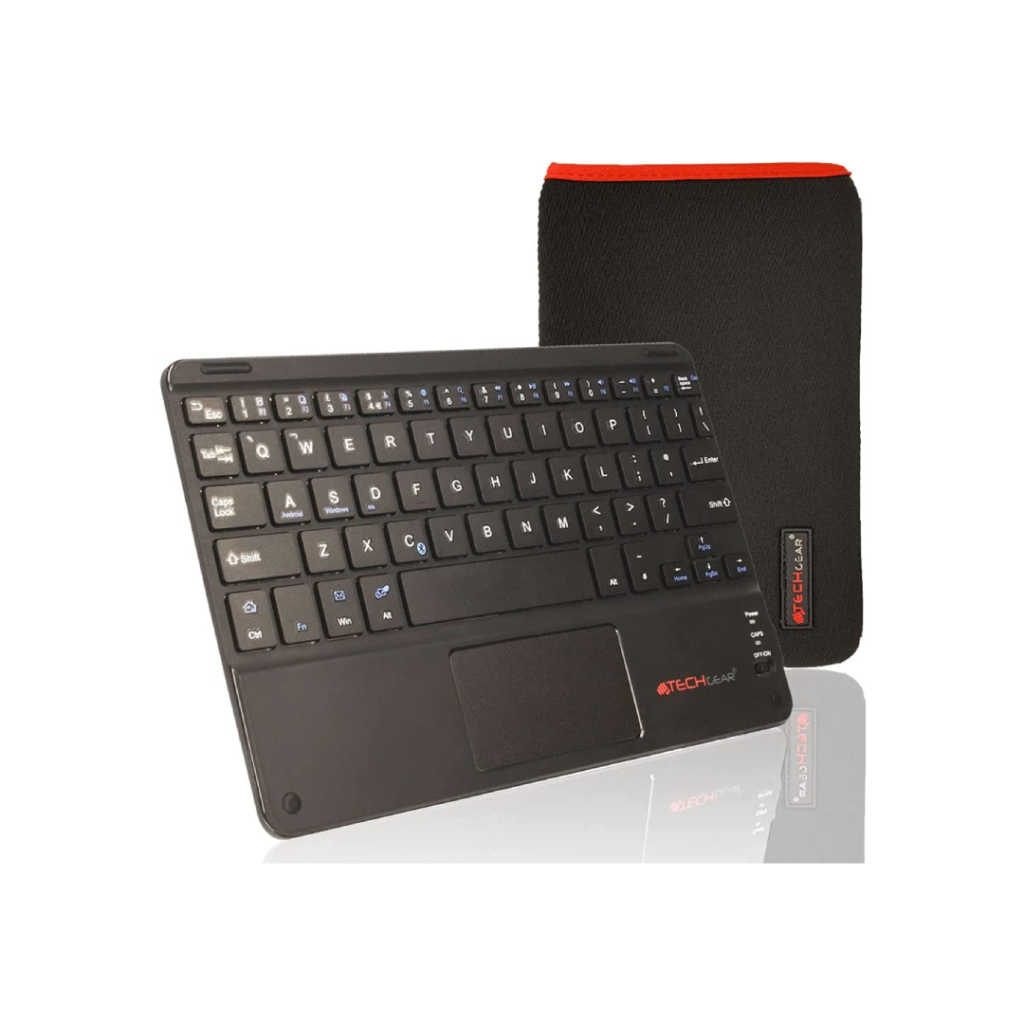
Unlike many of it’s competitors, the Active Strike Pro uses the UK QWERTY keyboard layout and design. This means that everyday keys like @ , £ and more are just a fingertip away.
Another key feature of the Strike Pro is an intelligent and simple connection system, with wireless operation distance up to 10 meters. It also boasts an energy-saving mechanism with auto sleep mode when left inactive for longer periods. This means that you get a lot more from each charge.
All of these great features make it a convincing option for as low as £25/$30.
Buy the TECHGEAR Active Strike Pro Slim Wireless Keyboard from Amazon for £25/$34:
Logitech K380 Wireless Multi-Device Keyboard
- Brand - Logitech
- Dimensions - 12.4 x 27.9 x 1.6 cm
- Weight - 423 g
- Connectivity - Bluetooth
- Special Feature - Multi-device Connectivity
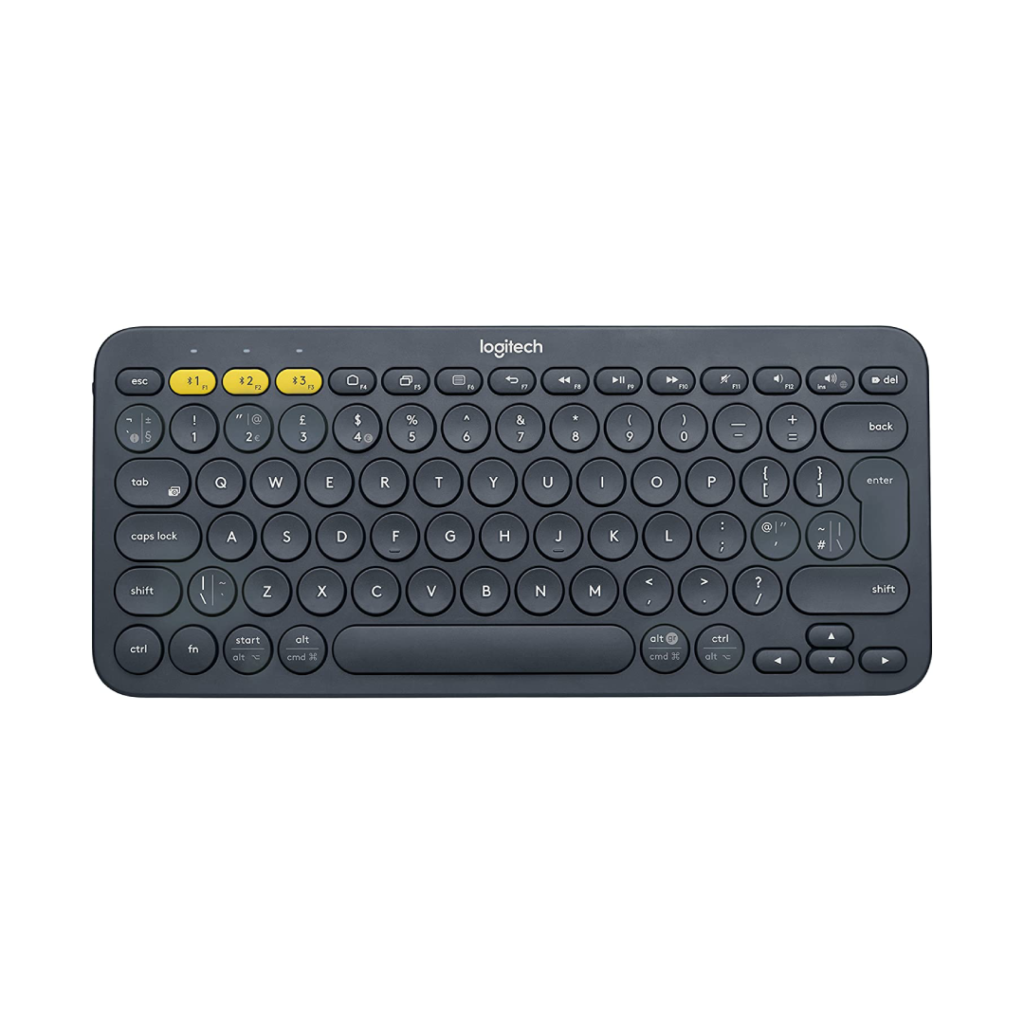
With the K380 selling for as low as £28/$34 on Amazon, it’s an ideal choice for people looking for something from a reputable brand like Logitech.
FINTIE Made For Amazon Kids Wireless Keyboard
- Brand - FINTIE
- Dimensions - 30 x 21 x 1.9 cm
- Weight - 540 g
- Connectivity - Bluetooth
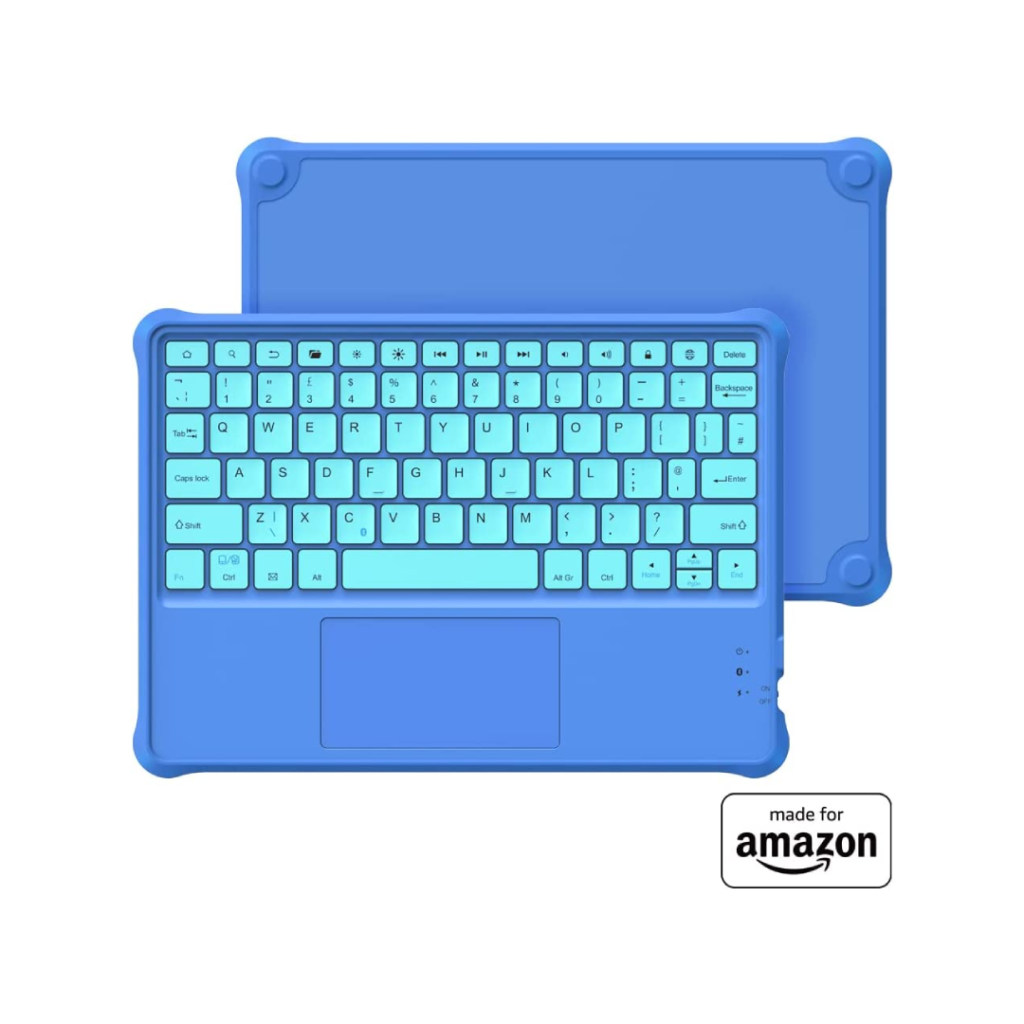
- Special Feature - Automatic Sleep Mode
It’s also great on the go. The ultra-slim wireless keyboard is compact in size, making it easy to carry around. These factors in combination with the variety of colour offerings make it a strong pick.
FINTIE Bluetooth Keyboard Case for Amazon Fire HD 10
- Brand - FINTIE
- Dimensions - aprx. 25 x 20 x 1.5 cm
- Weight - aprx. 500 g
- Connectivity - Bluetooth
- Special Feature - Auto Wake/Sleep
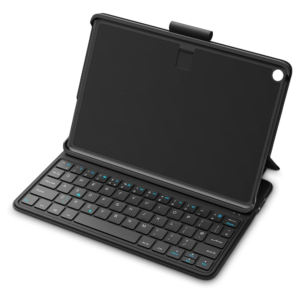
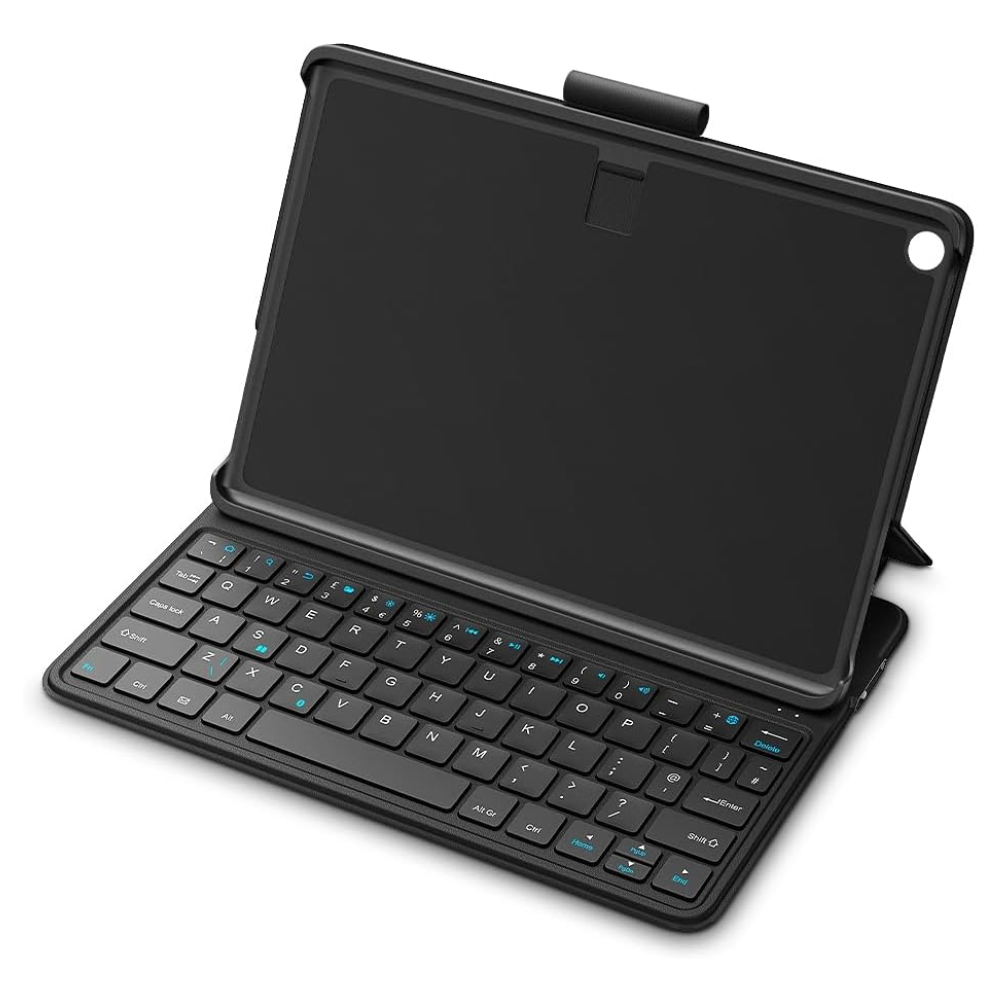
The Fintie Bluetooth Keyboard Case is a practical productivity upgrade for the Amazon Fire HD 10 (13th Gen), combining durable tablet protection with a comfortable wireless keyboard for typing, browsing, and note-taking.
The magnetic detachable keyboard allows the case to quickly switch between a slim protective cover and a compact workstation, while the PU leather exterior and polycarbonate shell help protect the tablet during everyday use.
Useful features include automatic wake and sleep functionality, a retractable stylus loop, and impressive battery life of up to 200 hours per charge.
If you want a versatile keyboard case to make your Fire HD 10 more useful for work, school, or everyday browsing, this Fintie case is a solid choice.
Buy the FINTIE Bluetooth Keyboard Case for Amazon Fire HD 10 from Amazon for only £53/$72:
⌨️ Choosing The Right Keyboard For Your Amazon Fire Tablet
Different Fire tablet keyboards are designed for different types of use, from casual browsing and travel to schoolwork and productivity. The table below highlights which keyboard features matter most depending on how you plan to use your Amazon Fire tablet.
| 📱 Usage Type | ⚙️ Recommended Keyboard Features | 📖 Why It Matters |
|---|---|---|
| ✍️ Everyday Typing & Browsing | Compact Bluetooth keyboard | Improves comfort and typing speed compared to the touchscreen keyboard. |
| 🎒 Travel & Portability | Ultra lightweight slim design | Easier to carry alongside your Fire tablet on the move. |
| 💼 Productivity & Work | Keyboard case with adjustable stand | Creates a more laptop-like setup for emails, documents, and multitasking. |
| 🖱️ Easier Navigation | Integrated touchpad support | Reduces the need to constantly touch the tablet screen. |
| 🔋 Long Battery Life | Rechargeable battery or multi-year battery system | Improves convenience and reduces charging interruptions. |
| 👨👩👧 Child-Friendly Use | Shock-resistant keyboard case | Provides better durability and protection during everyday use. |
| 🔄 Multi-Device Switching | Multi-device Bluetooth pairing | Lets you switch between tablets, phones, and PCs more easily. |
| 🧰 Better Tablet Protection | Keyboard folio or protective case | Helps protect the Fire tablet during travel and storage. |
| 🌙 Battery Saving Features | Automatic sleep/wake functionality | Extends battery life when the keyboard is inactive. |
| 🏡 Intended Use | Match keyboard style to how you use your Fire tablet | Improves comfort, usability, and overall value. |
FAQs
- Firstly, you need to navigate to your setting page. To do this, you can either find the setting app on your home screen, or you can swipe down on the top of the screen and click the settings icon there.
- Once you’re on your settings page, click on “Connected Devices”. If you’re Bluetooth is not already on, click on the toggle switch to turn it on now (you can tell if it’s off as it will say “off” under the Bluetooth section).
- Next, turn on your Bluetooth keyboard. If it has a dedicated Bluetooth pairing button, press this now (if you Google the name of your keyboard and “Bluetooth pairing” the manufacturer should tell you whether you have a pairing button or not).
- Back on your Fire tablet, you can now click on “Pair new device” at the top of the screen. Your keyboard should now appear in the list of devices – if you click on it, it should connect to your tablet almost instantly (some manufacturers may ask you to enter a pairing code on your keyboard to finalise). And that’s it! Now your keyboard should be ready to go.
- Firstly, you need to navigate to your setting page. To do this, you can either find the setting app on your home screen, or you can swipe down on the top of the screen and click the settings icon there.
There’s loads of great options on the market, but our personal favourite is the Logitech K380 Wireless Keyboard. This model provides a great balance of affordability and quality, and it’s hard to go wrong with a household name like Logitech.
If you’re looking for something that’s a little bit cheaper, the TECHGEAR Active Strike Pro Slim Wireless Keyboard is great value for money. It’s also slightly larger than many of it’s competitors, and some users find this to be more comfortable.
In short, the answer is almost always yes.
As long as the Bluetooth keyboard that you choose lists your Amazon Fire tablet as a compatible system, it should be as simple as connecting to it in your “Connected devices” settings (see our FAQ on “How do I connect a wireless keyboard to my Amazon Fire tablet?” for more info!).
The main difference between the Amazon Fire HD8 and the HD10 is the quality of the display.
The Fire HD8 support a display resolution of 1280 x 800 pixels, or 189 pixels per inch. The Fire Hd10 has a higher display resolution of 1920 x 1200 pixels, which is 224 pixels per inch. The difference between 189 and 224 pixels may not sound like much, but this means that the Fire HD10 has around 20% more pixels in every inch. Not only is the screen higher quality, but it’s also slightly larger. The main advantages of the HD8 are that it’s slightly cheaper than the HD10 and it has a longer battery life, so if screen size isn’t your priority, the HD8 might be the tablet for you. On the other hand, if you like a large display with crisp viewing resolution, the HD10 is a no-brainer.
Thanks for reading our article comparing the best wireless keyboards for the Amazon Fire HD 10 – hopefully it has helped you identify some of the best options available on the market today.
If you’re interested in upgrading mobile devices, you may want to take a look at our article on the Best Bluetooth Microphone for iPhone.
Feel free to leave a comment below if you have any thoughts or queries that you’d like us to take a look at – we’d be happy to help.