Smart home security systems have transformed how people protect their homes, moving beyond traditional alarms and standalone cameras to fully connected, automated setups.
Instead of relying on a single device, modern systems combine multiple technologies such as cameras, motion sensors, smart locks and mobile apps to create a layered security network. These systems can detect activity, send alerts, and allow you to monitor your home in real time from anywhere.
In this guide, we’ll explain how smart home security systems work, how different devices connect, and what happens behind the scenes when an alert is triggered.
If you’re looking for a full breakdown of devices and recommendations, take a look at our Ultimate Smart Home Security Guide.
So, let’s get started.
What Is a Smart Home Security System?
A smart home security system is a network of connected devices designed to monitor, detect and respond to potential security threats in your home.
Unlike traditional systems that operate independently, smart systems allow devices to communicate with each other and be controlled through a central app or hub. This means you can receive alerts, view live footage, and manage your system remotely.
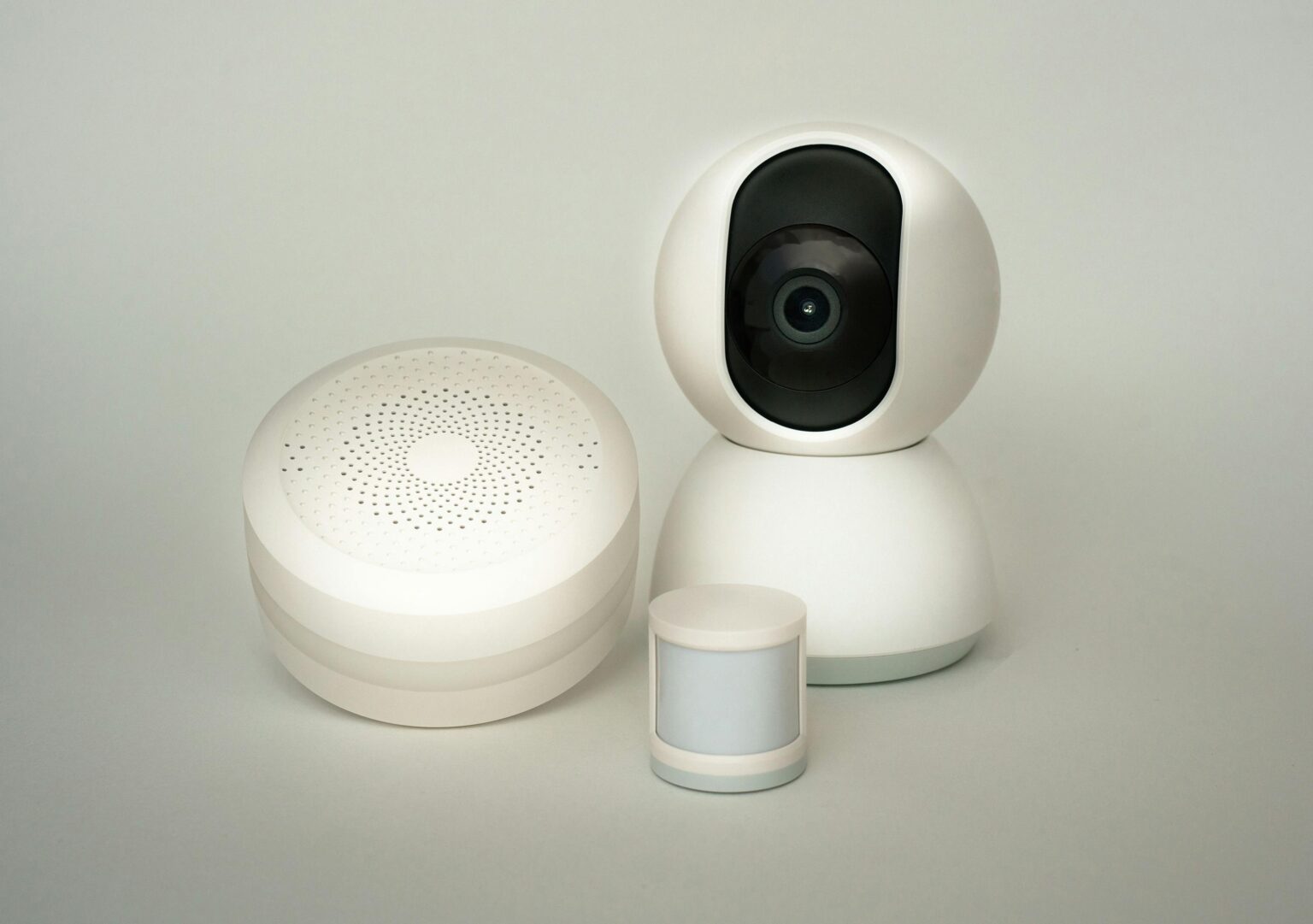
A typical system includes devices such as cameras, motion sensors, smart door locks, alarms and sometimes backup power solutions. These components work together to create multiple layers of protection rather than relying on a single point of defence.
The key advantage is connectivity. Whether you’re at home or away, you can monitor your property in real time and respond quickly if something unusual happens.
How Smart Home Security Systems Work (Step-by-Step)
At a basic level, smart home security systems follow a simple process: detect, communicate and respond.
First, a device detects activity. This could be a motion sensor picking up movement, a door sensor being triggered, or a camera recognising motion.
Next, the system communicates this information. Most devices send data via Wi-Fi or a wireless protocol to a central hub or cloud service, which processes the event.
Finally, the system responds. This might involve sending a notification to your phone, triggering an alarm, recording video footage, or activating another connected device such as a security light.
| 🔄 Stage | 📡 What Happens | 📱 Example |
|---|---|---|
| Detection | A device senses movement or activity | Motion sensor detects movement outside |
| Communication | Data is sent to the system or cloud | Camera sends footage to app |
| Response | System triggers an action or alert | You receive a phone notification |
Key Components of a Smart Security System
Smart home security systems rely on several core components working together.
Cameras provide live video monitoring and record activity for later review. Many modern cameras include features like motion detection, night vision and mobile alerts.
Motion sensors detect movement and trigger actions such as turning on lights or activating cameras. They are often placed in hallways, entrances or outdoor areas.
Smart door locks allow you to control access to your home remotely, replacing traditional keys with PIN codes, apps or biometric entry.
Door and window sensors monitor entry points and trigger alerts if they are opened unexpectedly.
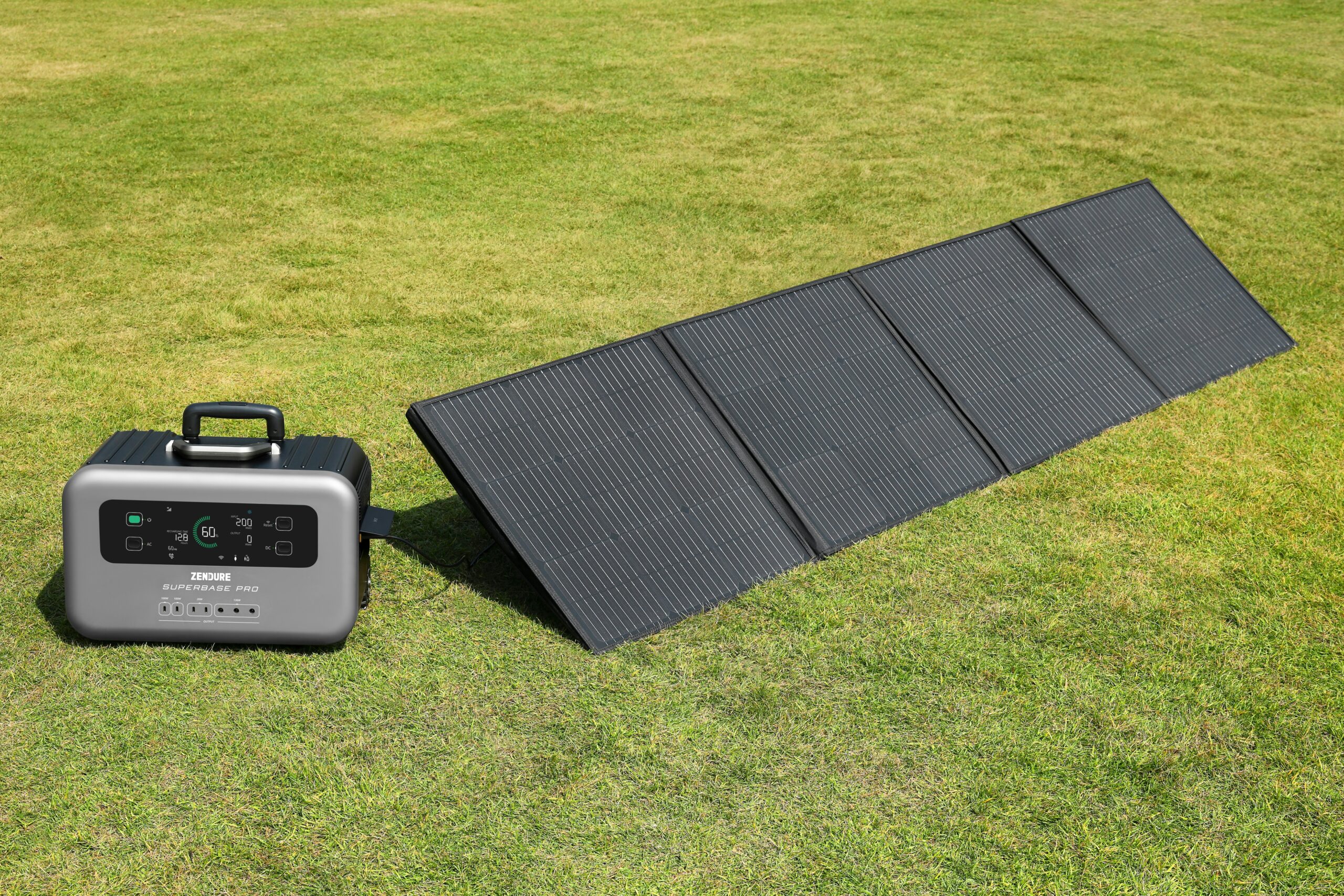
Some systems also include backup power solutions to ensure devices continue working during outages, which is particularly important for maintaining security in emergencies.
Each of these components plays a different role, but together they form a complete, layered system.
How Devices Connect and Communicate
Smart home security systems rely on constant communication between devices to function effectively. Most systems use Wi-Fi as the primary connection method, allowing devices to send data to your smartphone or a cloud-based platform in real time.
Some systems also use dedicated wireless protocols such as Zigbee or Z-Wave. These are designed specifically for smart devices and can offer more stable connections and lower power usage compared to standard Wi-Fi.
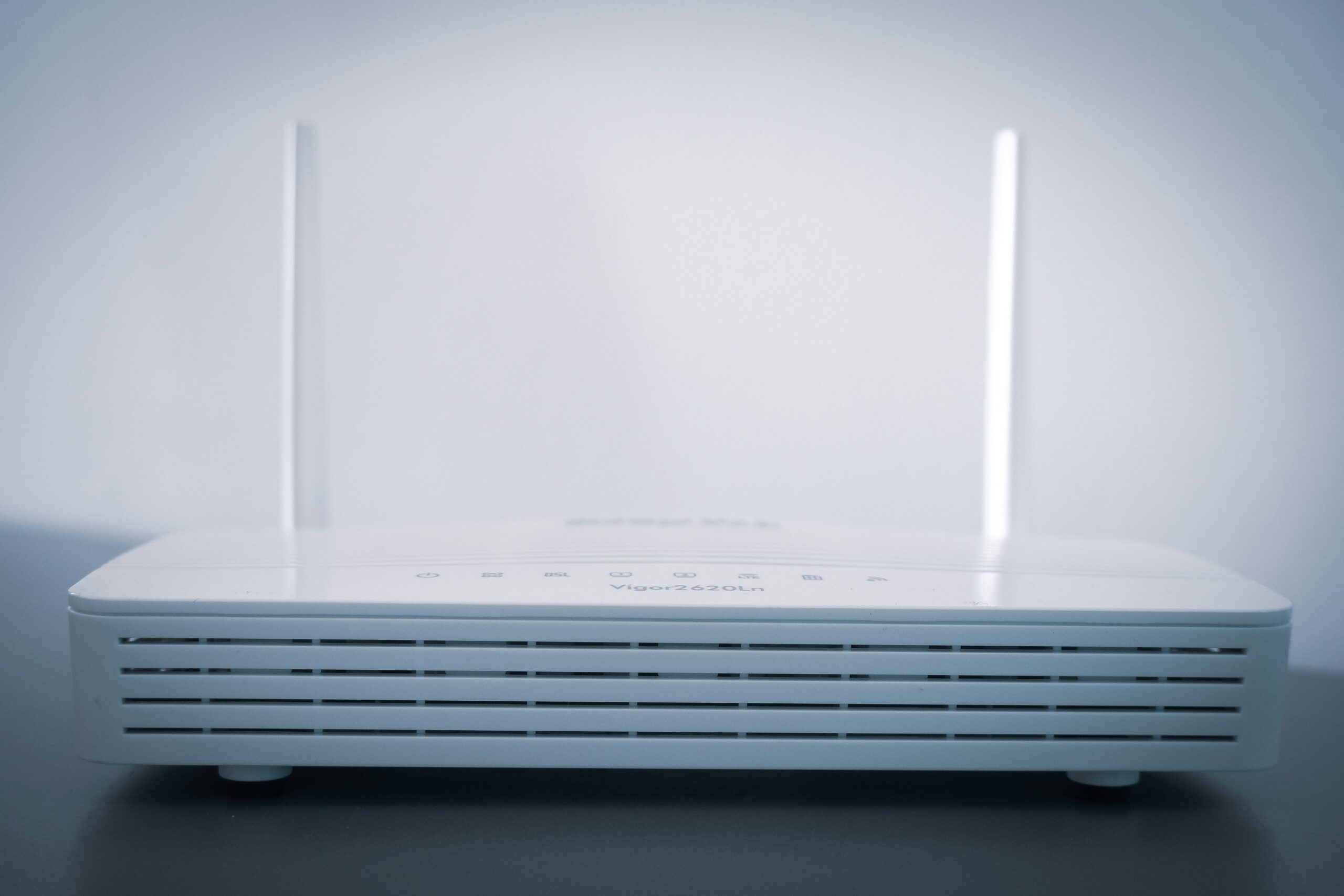
In many setups, devices connect either directly to your router or through a central hub. The hub acts as a control point, allowing multiple devices to communicate efficiently without overloading your network.
This connected structure is what allows your system to operate as a single unit rather than a collection of separate devices.
| 📡 Connection Type | ⚙️ How It Works | ✅ Best For | ⚠️ Key Limitation |
|---|---|---|---|
| Wi-Fi | Devices connect directly to your router | Most smart home setups | Can strain network if overloaded |
| Zigbee / Z-Wave | Devices connect via a central hub | Stable, low-power smart systems | Requires compatible hub |
| Wired (Ethernet) | Physical cable connection | High reliability setups | More complex installation |
| Cellular backup | Uses mobile network if Wi-Fi fails | Security-critical systems | Often requires subscription |
Wired vs Wireless Smart Security Systems
Smart security systems generally fall into two categories: wired and wireless.
Wireless systems are the most common in modern homes. They are easy to install, require minimal setup, and can be expanded over time by adding new devices. Most smart cameras, sensors and doorbells fall into this category.
Wired systems, on the other hand, use physical cables to connect devices. These are often more reliable and less susceptible to signal interference, but they are more complex to install and usually require professional setup.
For most homeowners, wireless systems offer the best balance between convenience and performance. However, larger homes or more advanced setups may benefit from a combination of both.
If you want a full comparison of these two approaches, see our guide on wired vs wireless security systems.
Do Smart Home Security Systems Work Without WiFi?
Many smart home security systems rely on Wi-Fi for full functionality, but some features can still work without it.
Devices such as cameras and sensors may continue to detect movement and record locally, depending on the model. However, without an internet connection, you will usually lose remote access, live notifications, and cloud storage features.
Some systems use local hubs or backup connections to maintain limited functionality during outages. Others may rely on mobile networks or offline storage to ensure critical events are still captured.
For most users, a stable internet connection is essential for getting the full benefit of a smart security system. This is especially important for real-time alerts and remote monitoring.
If your Wi-Fi coverage is inconsistent, improving your home network can make a significant difference to overall system reliability.
Final Thoughts
Smart home security systems are most effective when they are designed as a connected system rather than a collection of individual devices. Cameras, sensors, locks and alerts all play different roles, but it’s the way they work together that creates a reliable layer of protection.
The key advantage of these systems is visibility and control. Being able to monitor your home in real time, receive instant alerts and respond remotely makes them far more flexible than traditional security setups.
However, performance depends heavily on how well the system is set up. Reliable connectivity, correct device placement and choosing the right mix of components all have a major impact on effectiveness.
By understanding how these systems work and how the different parts fit together, it becomes much easier to build a setup that is both secure and practical for everyday use.
FAQs
Smart home security systems work by connecting multiple devices through a network. Sensors detect activity, send data to a central system, and trigger actions such as alerts, recordings or alarms, often within seconds.
Most smart systems rely on WiFi for features like remote access and notifications. Some devices can still function locally without internet, but overall performance and functionality are limited without a stable connection.
There is no single most important device, but cameras, motion sensors and entry sensors are usually the foundation of any system. Together, they provide visibility, detection and alerts, which are the core functions of home security.
Thanks for reading our article on how smart home security systems work.
Feel free to leave a comment below if you have any thoughts or queries that you’d like us to take a look at – we’d be happy to help.